
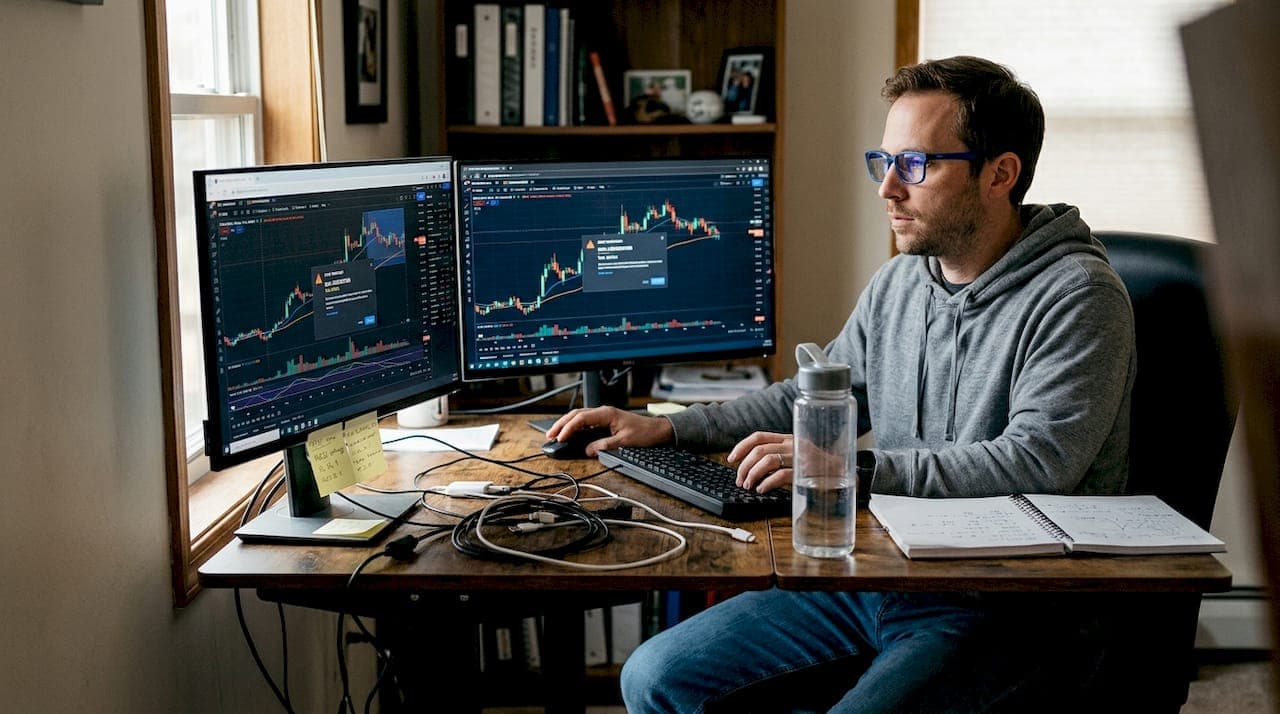
Scalping moves fast. One second you're watching a clean setup form on the 1-minute chart, and the next, price has already ripped 15 ticks without you. That gap between signal and reaction is where most retail scalpers lose their edge. Trading alerts close that gap. When configured correctly with advanced indicators, they remove the need to stare at screens all day and let you act the instant conditions align. This article walks you through platform selection, step-by-step alert setup, automation with scripting tools, and the most common mistakes that quietly kill your alert reliability across crypto, forex, futures, and indices.
Table of Contents
- Choosing the right platform and alert tools
- Setting price and indicator-based alerts
- Automation and conditional alerts for scalping
- Common mistakes and troubleshooting alerts
- Why scalping pros prioritize indicator-based alerts
- Level up your scalping with advanced alert tools
- Frequently asked questions
Key Takeaways
| Point | Details |
|---|---|
| Select your platform | Choose a trading platform that supports both price and indicator-based alerts for fast scalping execution. |
| Use indicator-based alerts | Integrate advanced indicators like TTM Scalper Alert and RSI to automate and refine your alerting system. |
| Automate with scripts | Leverage scripting tools to create conditional alerts, speeding up reactions and minimizing missed trades. |
| Avoid alert pitfalls | Test and troubleshoot your alert setup regularly to prevent costly mistakes and missed signals. |
Choosing the right platform and alert tools
Not every platform handles alerts the same way, and for scalping, those differences matter enormously. Speed, customization depth, and indicator integration are the three factors that separate a useful alerting system from one that fires half a second too late.
TradingView is the most popular choice for retail scalpers. It supports custom Pine Script indicators, webhook alerts to external services like Discord, and a clean interface for managing dozens of simultaneous alerts. The MTF Scalping Dashboard built on TradingView is a strong example of how multi-timeframe confluence can be wired directly into the alert system.
Thinkorswim (TOS) by TD Ameritrade is the go-to for U.S. equity and futures scalpers. It supports ThinkScript for conditional logic and offers two alert price types: LAST and MARK. For fast scalping and day trading, LAST is the preferred setting because it triggers on actual trade prints rather than calculated values, giving you faster, more accurate reactions.
Interactive Brokers (IBKR) offers TWS alerts that are solid for multi-asset traders but lack the scripting depth of TOS or TradingView. It works well for alerts tied to price levels across stocks, futures, and forex, but advanced indicator-based triggers require workarounds.
Here is a quick comparison to help you decide:
| Platform | Price alerts | Indicator integration | Scripting support | Webhook/external alerts |
|---|---|---|---|---|
| TradingView | Yes | Deep (Pine Script) | Pine Script v6 | Yes (Discord, Slack) |
| Thinkorswim | Yes | Deep (ThinkScript) | ThinkScript | Limited |
| Interactive Brokers | Yes | Basic | None native | No |
Key things to look for when matching a platform to your scalping workflow:
- Latency: How fast does the alert fire after the condition is met?
- Indicator support: Can you attach alerts to custom scripts, not just price?
- Notification channels: Email, SMS, push, and webhook all serve different use cases.
- Alert limits: TradingView free plans cap active alerts; paid tiers unlock more slots.
If you are still evaluating which indicator to build your alerts around, the best TradingView indicator guide covers the top options for lower timeframe setups.
Setting price and indicator-based alerts
With your platform chosen, it is time to build the actual alerts. There are two types: simple price alerts and indicator-based alerts. Both serve different purposes, and the best setups use a combination.
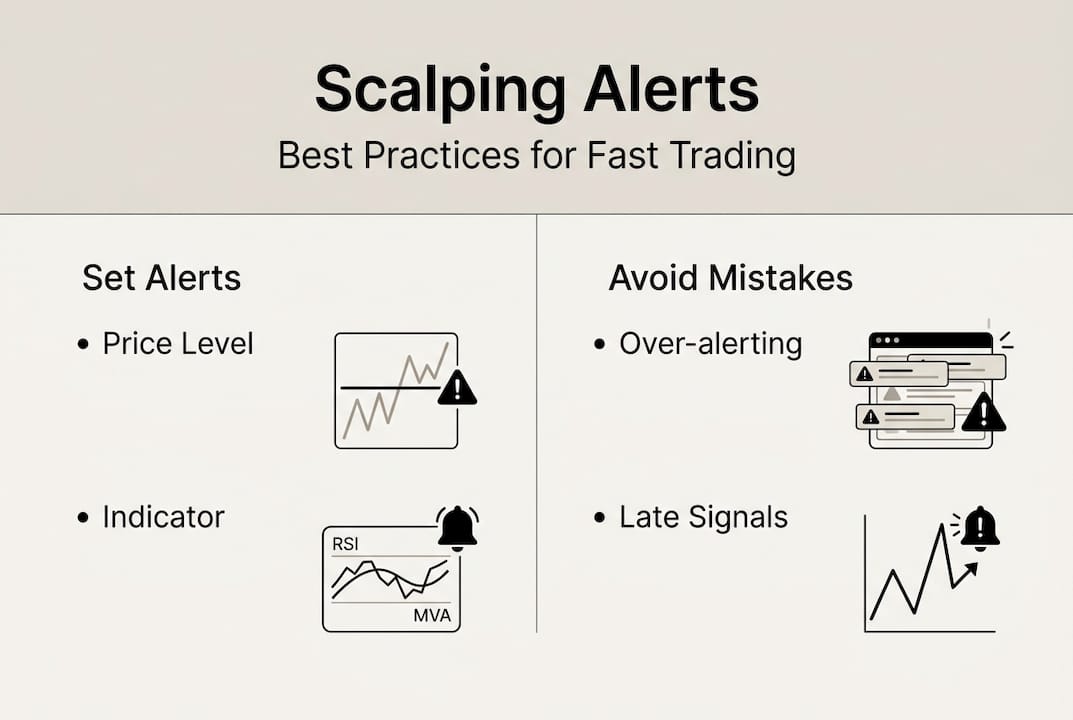
Simple price alerts fire when price crosses a specific level. They are fast to set up and do not consume indicator computation resources. On TradingView, price alerts save technical slots, which matters if you are running multiple indicators simultaneously. Use price alerts for key support and resistance levels, round numbers, or session highs and lows.

Indicator-based alerts are where scalping gets precise. Indicators like TTM Scalper Alert, RSI, and Bollinger Bands significantly improve alert accuracy by filtering out noise and only triggering when a real condition is met, not just when price ticks through a number.
Here is how to set up alerts on TradingView step by step:
- Open your chart and apply the indicator you want to alert from.
- Right-click on the chart or click the alarm clock icon in the toolbar.
- Select "Create Alert" from the menu.
- In the "Condition" dropdown, choose your indicator instead of a price source.
- Set the specific trigger condition (e.g., crossing above, crossing below, entering a zone).
- Choose your notification method: popup, email, SMS, or webhook.
- Name the alert clearly so you can identify it during a fast session.
- Click "Create" and verify the alert appears in your Alerts panel.
For Thinkorswim, the process is similar: go to the MarketWatch tab, select Alerts, and configure your condition using ThinkScript syntax for indicator-based triggers.
Pro Tip: Wire your buy/sell signal indicator alerts directly to a Discord webhook. That way, you get a visual and audio notification on your phone even when you step away from the screen, without missing a setup.
If you want a pre-built solution that handles this out of the box, the Scalping Algo Indicator comes with native webhook alert support already configured.
Automation and conditional alerts for scalping
Basic alerts notify you. Automated conditional alerts can actually trigger orders. That is a completely different level of efficiency, and for high-frequency scalping, it is worth understanding how to get there.
Automation benefits for scalpers are real and measurable:
- Eliminates emotional hesitation between signal and entry.
- Allows you to monitor more instruments simultaneously.
- Reduces screen time without sacrificing opportunity capture.
- Keeps your execution consistent across sessions.
ThinkScript on Thinkorswim lets you write conditional orders that execute based on indicator logic. Conditional orders via ThinkScript can be set to trigger a bracket order the moment a custom indicator condition is satisfied. This is powerful for scalpers who have a defined, rule-based system.
Pine Script on TradingView works differently. It generates alerts that you route via webhook to execution platforms or bots. Basic TWS alerts versus advanced Pine Script setups show a clear gap in flexibility: Pine Script can encode multi-condition logic, timeframe confluence, and volatility filters into a single alert message.
| Platform | Scripting language | Conditional alert type | Order execution |
|---|---|---|---|
| TradingView | Pine Script v6 | Webhook-based | Via third-party bot |
| Thinkorswim | ThinkScript | Native conditional orders | Direct |
| Interactive Brokers | None native | Price-only triggers | Manual |
For trend confirmation layered into your alerts, Pine Script makes it straightforward to add a higher-timeframe filter so your 1-minute alert only fires when the 5-minute trend agrees.
Critical note: Always test your automated scripts in paper trading mode before going live. A single logic error in a conditional alert can trigger unintended orders during volatile opens or news events. Verify every condition fires as expected across at least 20 historical scenarios before trusting it with real capital.
For scalpers working on the 1 minute scalp timeframe, automation is not optional. At that speed, manual reaction simply cannot keep up with what a well-scripted alert system can do.
Common mistakes and troubleshooting alerts
Even experienced scalpers run into alert problems. Most are preventable. Here are the most frequent mistakes and how to fix them:
- Using the wrong indicator condition: Setting an alert to "crossing" when you need "greater than" causes missed triggers on fast-moving setups.
- Ignoring alert expiration: TradingView alerts expire by default. Always set them to "Open-ended" for ongoing strategies.
- Platform lag during high volatility: Alert delivery can delay during news events. Know your platform's latency limits.
- Too many simultaneous alerts: Alert fatigue is real. Firing 30 alerts at once teaches your brain to ignore them.
- No confirmation that the alert fired: Always check your alert history after a session to verify triggers matched your expected setups.
- Wrong notification channel: An email alert is useless if you need to act in under two seconds. Match the channel to the urgency.
For alert troubleshooting, one of the most overlooked steps is testing alerts during the first 15 minutes of market open, when volatility is highest and delivery stress is at its peak.
Pro Tip: Use a paper trading account to run your full alert system live for one week before committing real capital. Log every alert that fires, every one that does not, and every false trigger. That data will tell you exactly where your setup breaks down.
On Thinkorswim, LAST is faster for scalping but can produce more noise on thinly traded instruments. If you are trading liquid futures like ES or NQ, LAST is the right choice. For less liquid instruments, MARK provides more stability at the cost of a small speed tradeoff.
The intraday trading indicator and momentum oscillator guides both cover how to reduce false signals at the indicator level, which directly reduces false alert triggers downstream.
Why scalping pros prioritize indicator-based alerts
Here is something most alert guides will not tell you: price alerts alone will eventually cost you money. Not because they are inaccurate, but because they create a false sense of readiness. You get the alert, price is already at the level, and now you are making a split-second decision with zero context about momentum, spread, or volume. That is not scalping. That is gambling with extra steps.
The scalpers who consistently perform well use indicator-based alerts precisely because the indicator has already done the analysis. When the alert fires, the decision is mostly made. You are confirming, not analyzing. That shift in mental load is enormous during a fast session.
Alert fatigue is also a real performance killer. We have seen traders set 40 alerts across 12 instruments and wonder why they feel paralyzed. The fix is not more alerts. It is smarter ones. Smart Scalping Signals built around confluence conditions mean fewer alerts that are worth more individually. Quality over quantity is the professional standard.
Level up your scalping with advanced alert tools
You now have the framework for building a reliable, efficient alert system. The next step is putting it into practice with tools built specifically for scalping precision.
Scalping-Algo's Algo Master suite integrates directly with TradingView and delivers real-time, non-repainting signals with native webhook alerts already wired in. No scripting required to get started. The Smart Scalping Signals indicator adds confluence filtering and volatility gating so your alerts only fire on high-probability setups. If you are ready to stop missing moves and start trading with institutional-grade tools, explore the full range of premium scalping indicators and see how quickly your alert game can level up.
Frequently asked questions
What is the difference between LAST and MARK alert types?
LAST alerts trigger on actual trade prints and are faster for scalping, while MARK alerts use calculated values and offer more stability on less liquid instruments.
How can I automate my trading alerts for scalping?
Use ThinkScript or Pine Script to write conditional logic that triggers alerts or orders automatically when your indicator conditions are met.
What indicators work best for alerting in scalping?
TTM Scalper Alert, RSI, and Bollinger Bands are proven choices that filter noise and generate actionable, high-accuracy alerts for short-term setups.
Can I set alerts across multiple asset classes?
Yes, platforms like TradingView and Thinkorswim let you configure alerts across stocks, futures, forex, and crypto using the same indicator-based alerting framework.