
Selecting a TradingView indicator suite that combines true real-time signals, transparent signal logic, and practical automation can be daunting given how many options gate code access or lack integration support. Many existing alternatives either hide their source code, limit multi-device access, or put AI features and granular orderflow tools behind expensive tiers. This guide compares four TradingView indicator suites on code transparency, alert setup, automation, and market coverage so you can pick a tool that matches your trading style and technical control needs.
Table of Contents
Scalping-Algo
At a Glance
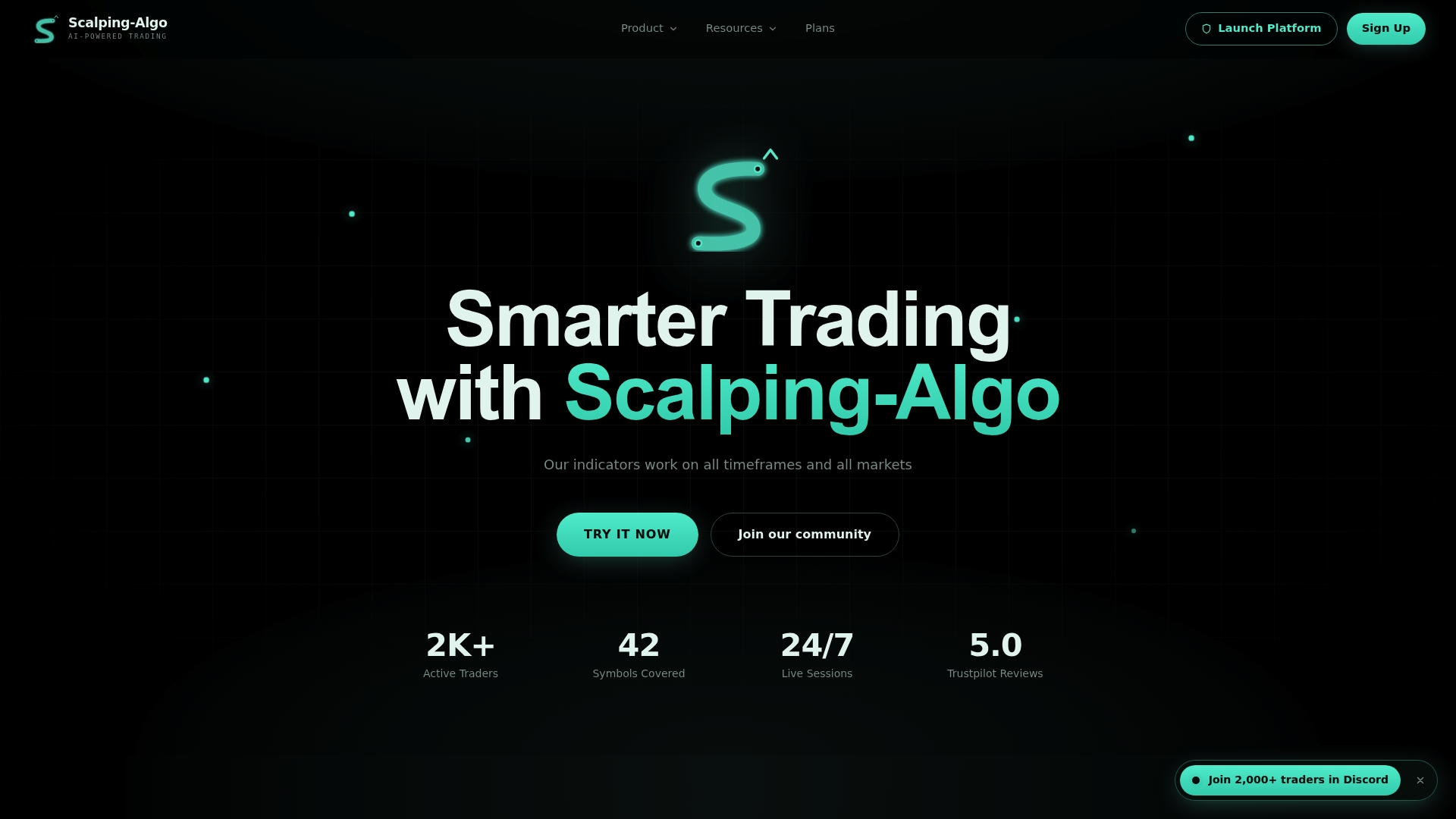
The vendor advertises open-source Pine Script v6 indicators with strict no-repaint rules and native Discord webhook alerts for instant execution signals. This level of code transparency plus webhook automation is rare among indicator suites focused on low-timeframe scalps.
Core Features
Adaptive volatility gating filters signals during low-volume chop to reduce false entries.
Multi-timeframe confirmation logic and built-in TP/SL projection sit on the chart so you see confluence and risk immediately.
A Command Center aggregates live signals, backtest reports, and community chat into one dashboard for faster decision making.
Customizable sensitivity, ATR parameters, and confluence thresholds let you tune indicators for crypto, forex, indices, commodities, and equities.
Key Differentiator
Code-level transparency. The product exposes its indicator source and maintains version history so you can trace why a signal fired. That auditability, coupled with strict no-repaint rules, makes the signals easier to validate against historical trades.
Pros
-
Reliable, non-repainting signals that the vendor says are audited line by line. You can review the open-source scripts and confirm behavior yourself.
-
Automation-ready alerts. Native TradingView alerts plus webhook support let you route entries to Discord, external execution services, or your own automation stack.
-
Market breadth and tuning. The indicators include adaptive parameters for different instruments and timeframes so one set of scripts works across crypto, forex, futures, and indices.
-
Educational and community support. The vendor reports an active community of over 2,000 traders and offers structured lessons and live sessions to accelerate disciplined use of the tools.
Cons
- Requires a TradingView account and manual alert configuration; this is not a fully automated trade execution bot and demands some setup knowledge.
Notable Integrations
-
TradingView alert system for native signals and alert rules.
-
Discord webhook alerts for instant notifications and community routing.
-
Payment processing via Stripe, PayPal, and Bitcoin for subscriptions and lifetime options.
Who It's For
Active day traders, scalpers, and short-term swing traders who want rule-based, audit-friendly indicators and webhook automation. Works for beginners who will follow the education path and for quants who want to inspect source code and tune parameters.
Unique Value Proposition
A Command Center that combines live signals, backtests, and native webhooks into a single panel. That setup turns indicator alerts into an audit trail and an execution-ready feed, shortening the time between signal and action while keeping you in control.
Real World Use Case
A futures scalper runs Smart Scalping Signals on 1m and 5m charts, routes alerts to a Discord channel, and uses Edge Finder for regime context before taking a quick scalp. Backtests in the Command Center help refine ATR and confluence thresholds weekly.
Pricing
Monthly plan at $79. Annual plan priced at $67 per month billed yearly at $806. Indicators-only plan is $49 per month. Community alerts are $59 per month. Lifetime and mentorship packages are available with distinct terms.
Website: https://scalping-algo.com
ChartingLens
At a Glance
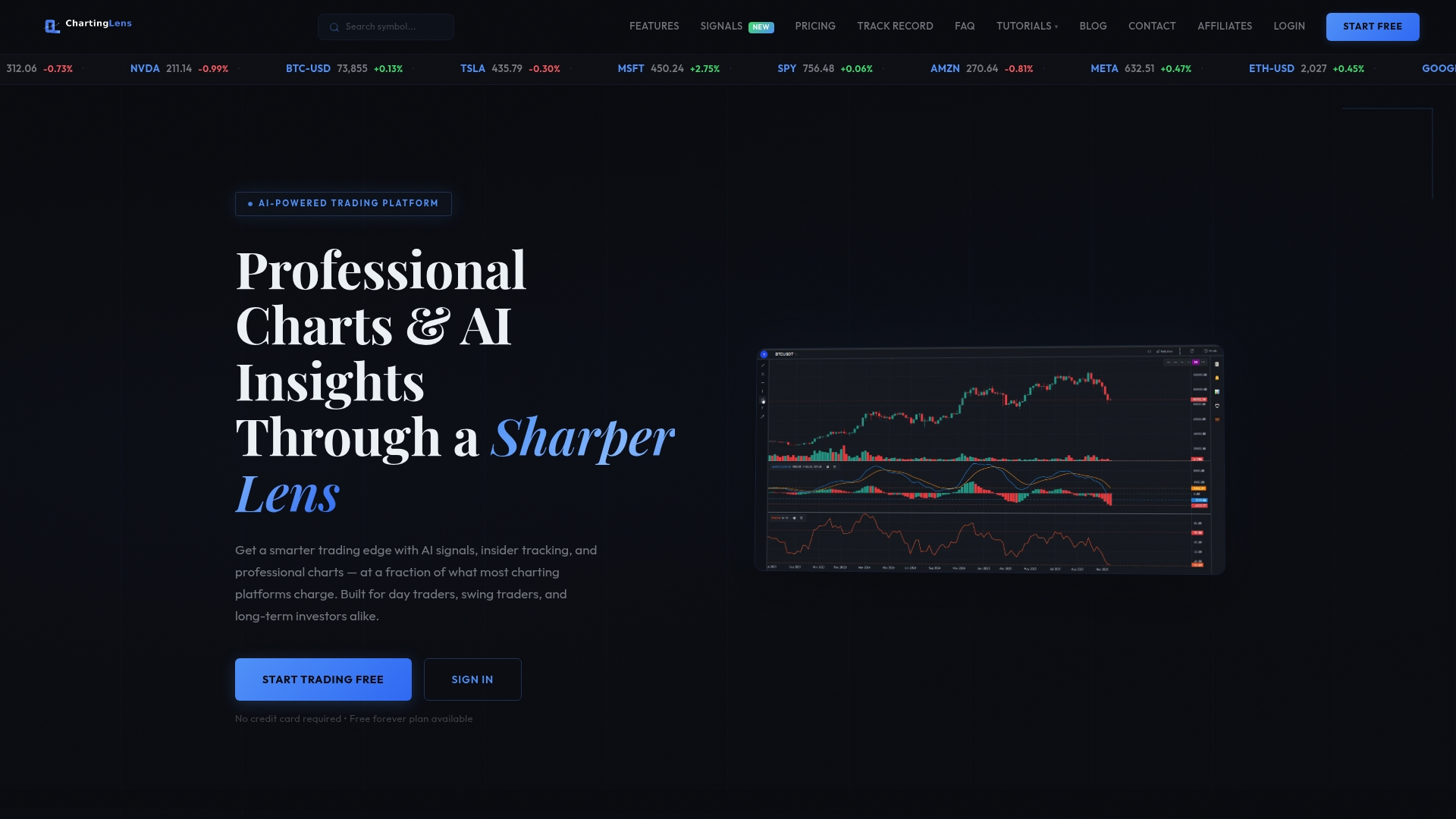
ChartingLens's marketing materials claim its AI scans 2,000+ stocks daily while offering a free forever tier and web charts that cover stocks, crypto, and futures. The combination of AI signals, insider tracking, and plain‑English backtesting is positioned for active traders who want integrated tools without a steep price tag.
Core Features
Real-time professional charts with nine chart types and multiple timeframes support quick visual entries across 1 minute to monthly. Cloud sync keeps drawings, layouts, and watchlists consistent across devices.
The platform advertises an AI-powered buy signal engine, an AI strategy backtester that accepts plain-English input, and pattern recognition plus volume profile tools for short timeframe setups.
Company fundamentals, earnings, analyst targets, plus SEC Form 4 insider filings and 13F superinvestor tracking round out the data set for discretionary decisions.
Key Differentiator
ChartingLens combines three capabilities rarely bundled at this price: AI signals, an AI strategy backtester, and insider tracking in one web interface. That mix lets you move from a natural-language idea to a backtested strategy, then monitor insider activity on the same charts without exporting or stitching multiple tools together.
Pros
- The free forever plan gives real-time charts and core tools so you can evaluate the workflow without a trial deadline. That lowers the barrier to try AI signals.
- Interface is intuitive and customizable. Multiple chart layouts and cloud sync make it fast to switch between daytrading setups and swing templates.
- Real-time market data and the AI signal feed speed decision cycles. For traders monitoring many tickers the signal stream reduces manual scanning time.
- Advanced features like pattern recognition, volume profile, and insider tracking let you pair technical setups with on-chain or insider context before placing a trade.
- Scalable subscriptions mean you can upgrade for deeper backtesting or higher alert limits as your strategy grows.
Cons
- Independent third-party reviews are scarce, so performance claims come primarily from vendor materials. That limits external verification.
- Several advanced features require a paid plan, which means some useful tooling sits behind the Premium and Pro tiers.
- The interface depth can feel overwhelming to newcomers used to simpler charting apps. Expect a learning curve.
- AI driven signals and deep learning outputs can generate false positives, so user discretion and validation remain necessary.
When It May Not Fit
If you need extensively vetted third-party performance records for compliance or institutional reporting, ChartingLens's limited independent reviews make it a weak choice. Also skip it if you require purely offline tools or prefer minimal interfaces; the feature set assumes active engagement and some setup.
Who It's For
Active traders and investors who want integrated AI analysis, backtesting, and insider data on a single web platform. It fits day traders scanning many tickers and swing traders who add fundamentals and insider context to technical signals.
Real World Use Case
A swing trader builds a plain-English strategy, backtests it on historical data, then follows AI buy signals and recent insider filings on the same multi-chart layout. Alerts notify the trader when price and volume align with the backtested entry criteria.
Pricing
Free tier includes core charts and basic signals. Premium $14.99/month unlocks full AI tools and more alerts. Pro $29.99/month removes limits for power users. Enterprise pricing is custom for teams that need seat management and higher data throughput.
Website: https://chartinglens.com
GoCharting
At a Glance
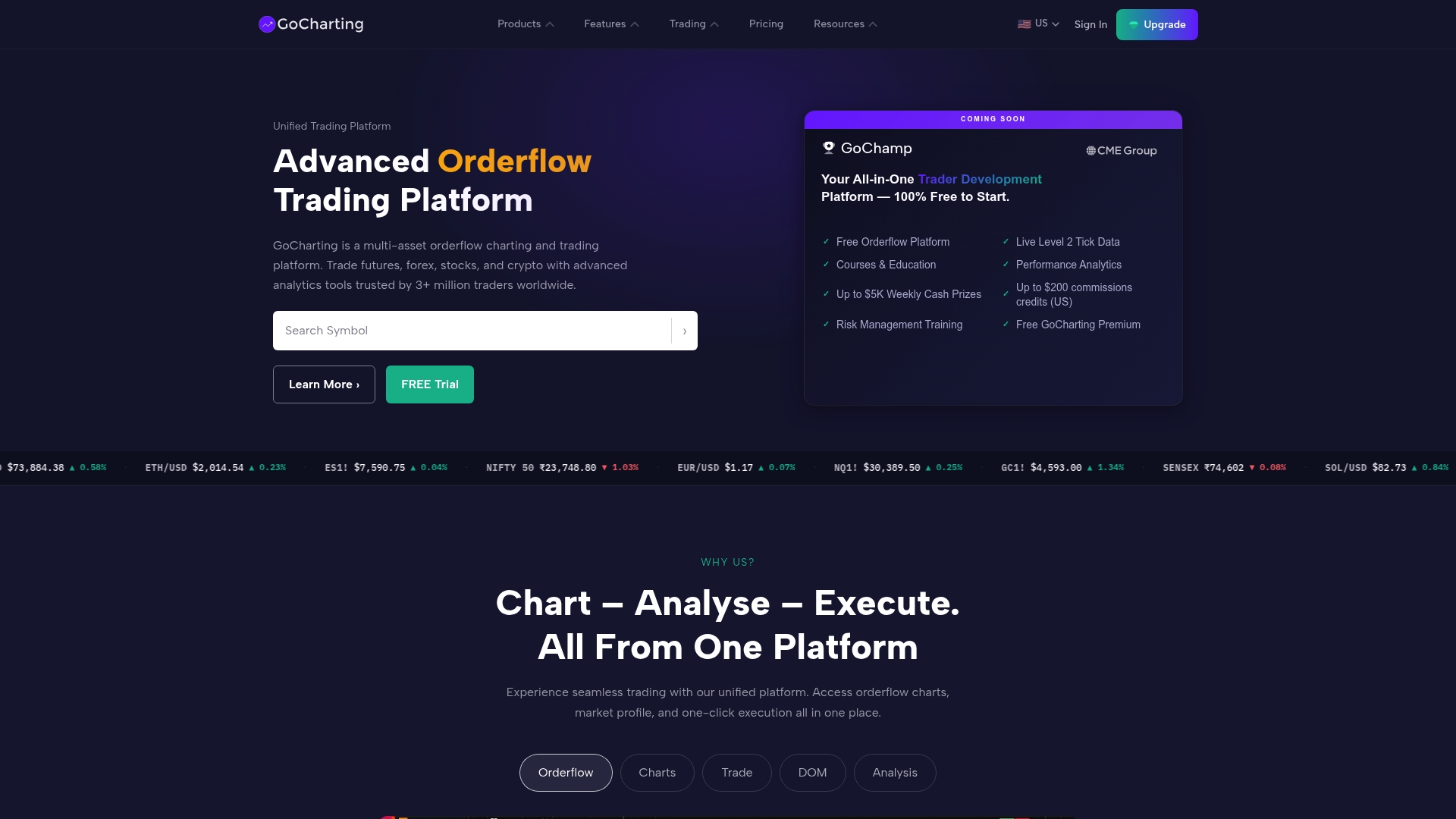
The vendor reports over 3 million traders worldwide, and the platform runs entirely in a modern browser with no installation required. That web delivery pairs institutional-style orderflow tools with live trading across stocks, futures, forex, crypto, and indices.
Core Features
- Footprint charts and market profile views for granular tape and volume analysis across multiple symbols and timeframes.
- Market Profile and volume profile overlays to identify value areas, distribution zones, and session structure.
- Advanced options analytics including Greeks, implied volatility, and a strategy builder for multi-leg tactics.
- Real-time market data and live trading execution tied to in-browser order routing.
- Lipi scripting language for custom indicators, strategy development, and backtests.
Key Differentiator
GoCharting's real distinction is that it delivers institutional-grade orderflow analysis completely in-browser. You get footprint and market profile tools plus execution without desktop installs or local data feeds.
Compared with Scalping-algo, which centers on Pine Script indicators and native TradingView workflows, GoCharting serves traders who need integrated orderflow visualization and direct execution in a single web app.
Pros
- Deep orderflow toolset. Footprint and profile tools give you volume-at-price and directional footprint detail traders use to time entries and exits.
- Accessible from any device. Because it is browser based you can move from desktop to tablet without reconfiguring layouts or syncing files.
- Strategy workflow. Lipi scripting supports custom indicators and backtests, letting you iterate strategies and validate ideas without external tooling.
- Competitive pricing. A free tier exists and paid plans start at a modest entry point compared to many desktop professional platforms.
- Multi-asset support simplifies multi-market traders who analyze NASDAQ stocks, futures, and crypto within one workspace.
Cons
- Support responsiveness varies. User reports note inconsistent customer support turnaround and occasional activation delays.
- Stability and UI issues. Some traders report platform performance hiccups, chart synchronization bugs, and occasional data inaccuracies.
- Execution reliability concerns. A minority of users describe order execution delays or mismatched fills during volatile sessions.
- Payment and activation friction. The signup to active account flow can fail for some users and require manual follow-up.
When It May Not Fit
If you need guaranteed desktop stability or you work offline, GoCharting's browser dependency and the reported platform stability issues make it a risky primary tool. Teams requiring enterprise support SLAs or audited execution records should consider a provider with formal uptime and support guarantees.
Who It's For
Active day traders and semi‑professional analysts who prioritize live orderflow, footprint charts, and in-browser execution across multiple asset classes. Not ideal for traders who need local data redundancy or guaranteed enterprise support.
Real World Use Case
A day trader uses Footprint and Market Profile to read NASDAQ orderflow, prototypes a scalp in Lipi scripting, and routes trades through an integrated broker without leaving the browser. Community webinars and contests supply ideas and peer feedback.
Pricing
A free plan is available for casual use. Premium tiers begin at $35/month and unlock live data, expanded chart counts, multi-monitor layouts, and advanced orderflow tools for active traders.
Website: https://gocharting.com
Comparative Analysis of TradingView Alternatives
Choosing the right tool from among these alternatives requires balancing specific features like short timeframe signal clarity, advanced charting capabilities, or integrated execution support for day traders, scalpers, and multi-market analysts.
Transparency and Customizability in Indicators
Scalping-Algo excels in code transparency and customizability. Its Pine Script v6 indicators come with strict no-repaint guarantees, fostering validation and auditability. Compared directly with ChartingLens, whose AI-driven signals remain proprietary, Scalping-Algo provides control through adaptive parameters for various trading contexts. While GoCharting offers scripting via Lipi language, which allows for custom strategies, it lacks Scalping-Algo’s pre-configured webhook automation.
Signal-to-Execution Automation
Scalping-Algo integrates TradingView alerts with Discord webhook routing, enabling real-time signal delivery suitable for external automation workflows. In contrast, while GoCharting facilitates direct browser-based trade execution, it occasionally suffers operational delays or mismatched reports during high volatility, a critical constraint for scalpers requiring instantaneous execution. ChartingLens prioritizes AI-assisted discretionary setups but falls short in immediate trade automation scenarios.
Best Fit by Usage Scenario
- Scalping-Algo: Best for traders seeking audited signals with customization and instant webhook automation, particularly scalpers actively leveraging TradingView.
- ChartingLens: Appropriate for swing traders seeking affordable access to AI-powered backtesting and signals, complemented by fundamental insights like tracking superinvestor activity.
- GoCharting: Suited to users focusing on institutional-style orderflow analysis, preferring browser-based access, and needing tools such as market profile overlays for real-time execution.
Our Pick: Scalping-Algo
For traders prioritizing signal validation coupled with automation-ready workflows, Scalping-Algo offers tools like the transparent Command Center for signal aggregation and alert tuning across instruments. However, individuals favoring discretionary strategies enriched with insider data tracking may lean towards ChartingLens for its expansive yet intuitive integration. Still, Scalping-Algo remains preferable where auditability and execution speed are to success.
TradingView Indicator Suites Comparison
Evaluate these TradingView-compatible indicator suites to determine the best fit for your trading style, balancing features and transparency.
| Product | Core Feature | Key Differentiator | Best For | Pricing | Notable Limitation |
|---|---|---|---|---|---|
| Scalping-Algo | Adaptive multi-timeframe signals | Code-level transparency and no-repaint rules | Active day traders and scalpers | Monthly $79, Annual $806 | Requires TradingView and manual alert setup |
| ChartingLens | AI-driven charts and buy signals | Plain-English strategy backtesting | Swing traders combining AI and analytics | Free tier available, Pro $29.99/month | Limited third-party review verification |
| GoCharting | Footprint charts and market profiles | In-browser institutional-grade order flow | Day traders requiring order flow tools | Free tier available, $35/month | Occasional platform stability and UI issues |
Discover a Powerful TradingView.com Alternative Designed for Scalpers and Short-Term Traders
If you find typical trading platforms complex or lacking transparency, Scalping-algo offers a tailored solution built around non-repainting, real-time Pine Script v6 indicators that precisely address the challenges of low-timeframe scalping. This platform stands out by providing open-source scripts and webhook alerts that improve signal trust and execution speed while covering crypto, forex, indices, commodities, and futures.
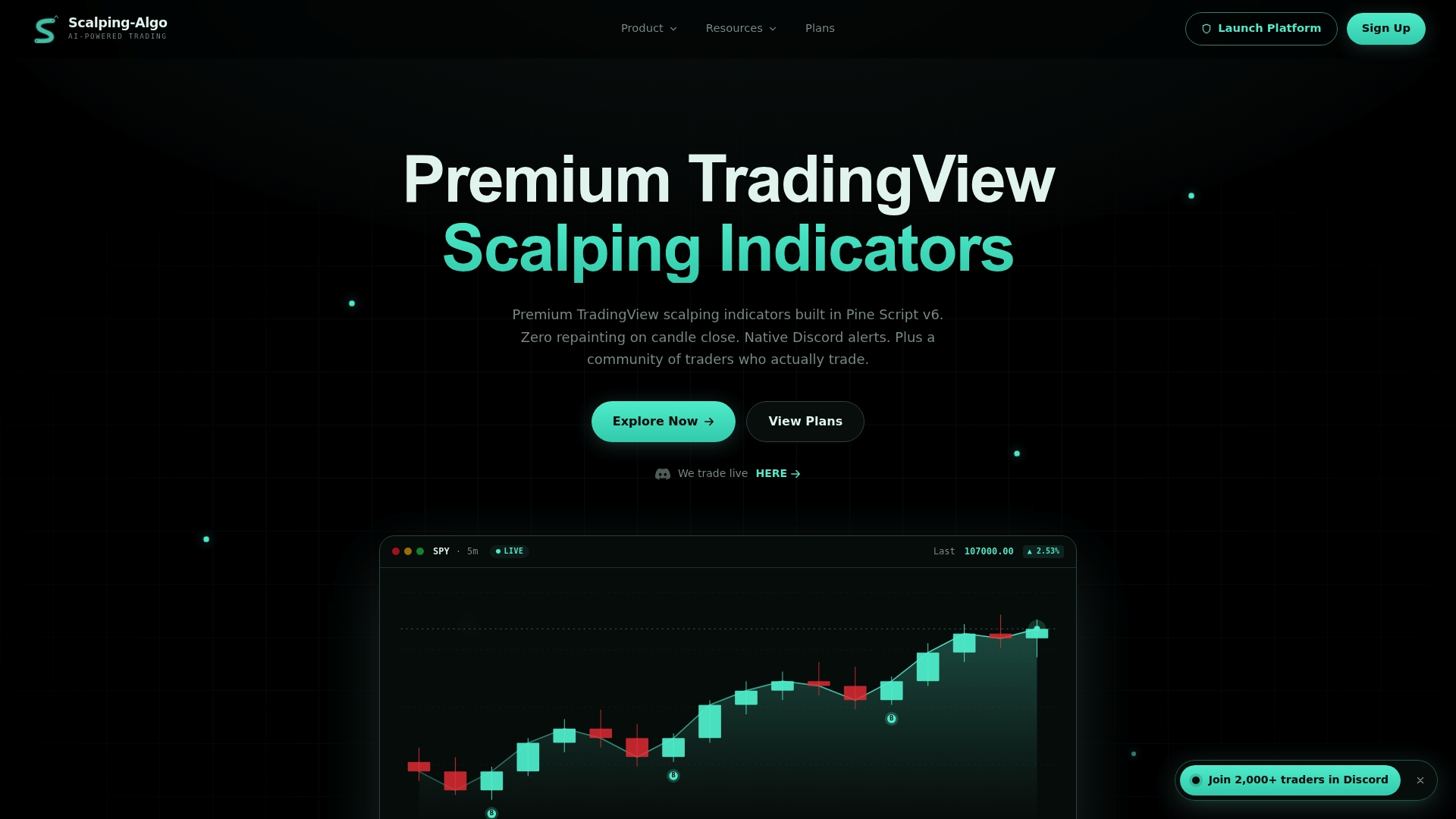
Explore how Scalping-algo’s unique Command Center consolidates live signals, backtesting data, and community education in one place at https://scalping-algo.com. Stop guessing your entries — take control by configuring adaptive volatility filters and confluence tools built for fast, confident trading decisions. Visit now to start using audit-ready, automated alerts that help you act on scalp and swing trades with clarity and precision.
Frequently Asked Questions
What unique features does Scalping-algo offer for active traders?
Scalping-algo provides reliable, non-repainting signals with a Command Center that aggregates live signals, backtest reports, and community chat all in one dashboard. This feature allows traders to make faster decisions based on comprehensive market data and community insights. Traders can expect to efficiently monitor their trades and make informed decisions in real-time.
How does Scalping-algo compare to ChartingLens in terms of price?
ChartingLens offers a free forever plan and paid subscriptions starting at $14.99 per month, making it accessible for traders looking for budget-friendly options. In contrast, Scalping-algo's subscription starts at $49 per month for the indicators-only plan, which may appeal to those wanting a focused suite of tools. Traders should consider their specific budgeting needs when evaluating these options.
What is the advantage of using Scalping-algo's webhook alerts?
Scalping-algo features native TradingView alerts and supports Discord webhook alerts for instant notifications, enabling users to route entries to external execution services. This level of automation allows traders to act quickly on signals, reducing the time spent manually executing trades. This can be particularly beneficial for scalpers who thrive on fast-paced trading environments.
Can Scalping-algo be used for different asset classes?
Yes, Scalping-algo is designed with customizable sensitivity, ATR parameters, and confluence thresholds that allow it to be tuned for various instruments, including crypto, forex, indices, commodities, and equities. This versatility means traders can use the same set of scripts across multiple markets, accommodating diverse trading strategies.
What kind of community support is available for Scalping-algo users?
Scalping-algo has a vibrant community of over 2,000 active traders and offers structured lessons and live sessions to help users maximize the tool's effectiveness. This support can accelerate the learning curve for both beginners and experienced users, ensuring they can use the indicators effectively to enhance their trading.