
Short answer: sometimes. Paid indicators pay off for active scalpers, high-frequency swing traders, and anyone who already has a tested edge and needs faster confirmation, not a new strategy. For beginners, infrequent traders, or anyone hoping a subscription will replace a missing edge, the math rarely works out. The checklist and cost considerations below show the factors that influence whether the subscription cost is justified.
TL;DR:
- Paid indicators are most justified for active traders with a tested edge who need faster confirmation and execution tools, such as non-repainting signals and webhook alerts.
- Proper verification requires proof of out-of-sample results, net-of-costs performance, and transparency, as many providers show only cherry-picked or backtested data.
- Most retail signals lose their edge once trading costs and realistic testing are applied, emphasizing the need for thorough validation before relying on any paid indicator.
- Beginners or infrequent traders should focus on building a proven process before investing in paid tools, and running short, fixed tests with predeclared metrics is essential before committing financially.
Table of Contents
- What paid indicators add over free tools
- Cost math: does the subscription pay for itself
- Verification checklist you must demand before paying
- Why many paid indicators fail in live trading
- Step-by-step test plan before you commit
- How Scalping-Algo approaches the checklist
- Setup, learning curve, and reliability
- Author perspective: a decision flow for readers
- Scalping-Algo as an option worth evaluating
- Sources
- FAQ
What paid indicators add over free tools
Free indicators handle the basics: moving averages, RSI, basic volume. Paid tools earn their price by removing friction, not by adding magic. Here's what separates a paid setup from a free one:
- Scanners that filter hundreds of tickers for setups matching your rules, in seconds.
- Non-repainting confirmation that locks a signal on candle close instead of redrawing history after the fact.
- Webhook alerts that push signals straight to Discord or a trading terminal without you babysitting charts.
- Integrated backtesting that lets you check a signal's history without exporting data to a spreadsheet.
- Community support for troubleshooting settings and comparing notes on live signals.
Which of these matter depends on your style. Scalpers live and die by execution speed, so non-repainting confirmation and webhook alerts matter most. Swing traders benefit more from scanners that cut down screen time. Position traders rarely need any of it. A concrete case: a confluence signal that confirms on close, paired with a webhook alert, cuts the lag between signal and order for a scalper working 1-minute charts. That lag is often the whole game.
Cost math: does the subscription pay for itself
The question isn't "is this indicator good." It's "does this indicator's cost, divided by how often I actually use it, beat what I'm already making per trade." Here's the formula:
- Take your monthly subscription cost.
- Divide by your number of trades that month.
- Compare that per-trade overhead to your average expected edge per trade, after commissions and slippage.
A cost-value analysis of trade scanning tools lays out the swing this creates: the same subscription can cost around $4 per trade at 60 trades a month, or about $42 per trade at 6 trades a month. Same tool, same price tag, opposite verdict, depending entirely on frequency.
Statistic callout: A tool cost breakdown shows per-trade overhead can swing from roughly $4 to roughly $42 on the same subscription, purely based on how often you trade. That's the single number that should decide your yes or no.
As a rough guideline, a subscription earns its keep when the per-trade overhead stays small relative to your average edge per trade and doesn't eat a meaningful slice of your typical position size. If you're not trading enough to run that math with real numbers, you're not ready to buy yet.
Verification checklist you must demand before paying
Marketing screenshots are not proof. Before paying for any indicator, ask the provider to show you the following:
- Independent verification of any live track record, not a self-reported equity curve.
- Out-of-sample or walk-forward evidence, not just a backtest tuned to the exact period shown.
- Sample size and losing years disclosed, since a short winning streak proves nothing.
- Net-of-costs reporting, meaning commissions, spreads, and slippage are already subtracted.
- Parameter sensitivity data, showing the strategy holds up across a range of settings rather than one lucky combination.
A buyer's checklist for paid trading strategies frames this bluntly: most paid strategies are not worth it by default, and only a minority earn a purchase by publishing full testing and net-of-costs results. Treat that as the default assumption, not the exception.
Watch for red flags too: providers who won't share raw trade logs, who show only their best months, or who describe "cherry-picked" results as typical performance are telling you what you need to know.
Pro Tip: Ask every provider for their worst losing year before you ask about their best month. If they dodge the question, you have your answer.
Why many paid indicators fail in live trading
Most retail signals lose their edge once real costs and honest testing get applied. A study testing six popular retail signal families refuted four of them outright and found none supported once multiple-testing corrections and realistic trading costs were applied. Oscillators, volume patterns, candlestick setups, and calendar effects all failed to clear the joint bar of statistical edge plus economic viability.
Four of six tested signal candidates were refuted; none was supported under predeclared statistical and economic gates.
That's not a fluke of one paper. A validation framework for quantitative strategies recommends a three-stage process (in-sample, purged walk-forward analysis, then out-of-sample stress testing) precisely because backtests tuned on one data set routinely fall apart under fresh conditions.
Repainting is the easiest failure to catch yourself: a signal that redraws its own history after the fact will always look perfect in hindsight. A true non-repainting signal locks in on candle close and never changes retroactively. Add spread, slippage, and fill-quality drag on top of that, and a strategy that worked in one market regime (say, low volatility) can quietly stop working the moment conditions shift.

Step-by-step test plan before you commit
Don't buy a lifetime plan on day one. Run a short, predeclared test instead:
- Start with a free trial or paper-trade the signal for a fixed window.
- Set your pass or fail metrics before you start, not after you see results.
- Require a minimum number of trades so a lucky streak doesn't fool you.
- Track net-of-costs performance only, never gross.
- Set a maximum acceptable drawdown and walk away if it's breached.
- Confirm the rules are reproducible, meaning you can explain every entry and exit without guessing.
A practical buyer's guide to trading tool costs recommends exactly this path: free trial, then a short paid test, then monthly billing, and only annual billing once the tool has proven its value on your own numbers.
| Test stage | What to require | Why it matters |
|---|---|---|
| Free trial or paper trading | Predeclared metrics and timeframe | Prevents hindsight bias |
| Short paid test | Minimum trade count, net-of-costs tracking | Filters out lucky streaks |
| Monthly billing | Passed gates from the paid test | Limits downside before commitment |
| Annual or lifetime billing | Sustained results across regimes | Confirms the edge isn't seasonal |
How Scalping-Algo approaches the checklist
Scalping-Algo publishes its Pine Script v6 indicators as open source, so any trader can inspect the exact logic behind a signal instead of taking a claim on faith. The Command Center dashboard ties backtesting, alerts, and signal history together in one place, which makes it easier to check a signal's behavior across different periods rather than relying on a vendor's highlight reel. Webhook alerts route confirmed signals to Discord, and the Discord community itself runs mentorship and live sessions where members compare notes on real trades.
None of that replaces your own testing. It simply gives you the raw material, open code and integrated history, to run the verification checklist above yourself instead of trusting a screenshot.
Setup, learning curve, and reliability
Most paid indicators install in minutes on TradingView: add the script, apply it to a chart, adjust a handful of settings. The real learning curve isn't installation, it's calibration. Non-repainting confirmation, volatility filters, and confluence settings all need to be tuned to the instrument and timeframe you actually trade, and that tuning takes real screen time, not a five-minute tutorial.
Reliability comes down to two things: whether the signal logic is stable across market conditions, and whether the alerts fire when you need them. A signal that only works in trending markets will quietly underperform the moment volatility shifts. Webhook-based alerts remove a common point of failure, manually watching charts, but they're only as reliable as the platform sending them.
Expect a real adjustment period of several weeks before you trust any new tool with size. Traders who skip that period and go straight to full position sizing are the ones most likely to blame the indicator when a losing streak (normal for any strategy) shows up. Budget time to paper trade the settings, log every signal the tool generates, and compare that log against your own manual read of the chart before deciding the tool adds anything at all.

Author perspective: a decision flow for readers
Pay now if you trade often enough to test a tool properly and already have rules you follow without it. Wait if you're still building that base, since no indicator fixes a missing process. My one-line flow: paper trade, apply predeclared gates, compare per-trade cost against your edge, then decide. Chasing polished results without running that test is how most subscriptions get wasted.
— Tran
Scalping-Algo as an option worth evaluating
If you've run the checklist and your trading volume clears the cost math, Scalping-Algo is worth a look. The suite includes Premium TradingView Indicators, Smart Scalping Signals, Edge Finder, and Momentum Oscillator, covering confluence, volatility gating, and regime detection across crypto, forex, indices, commodities, and futures.
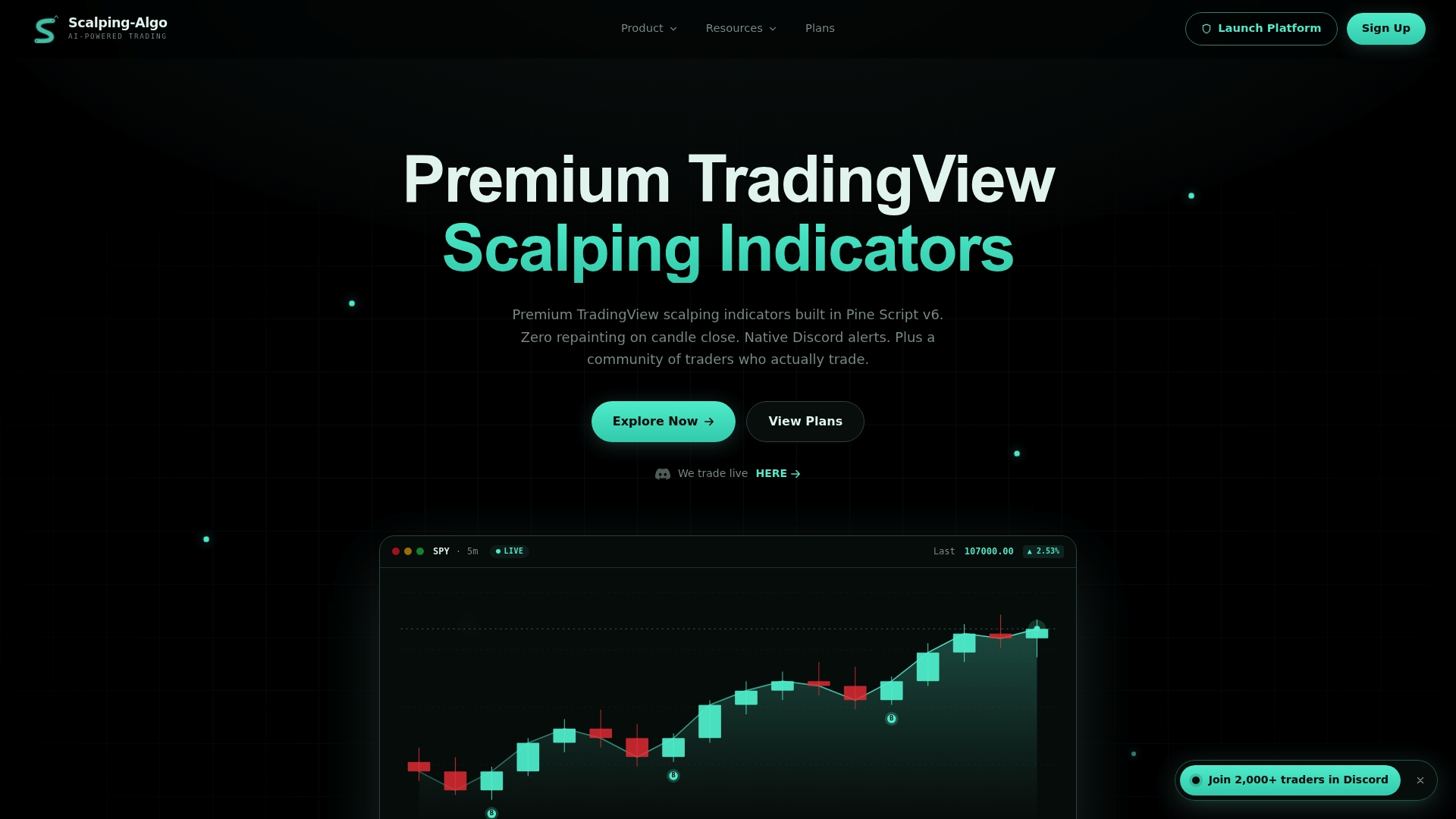
Start the same way the checklist recommends: paper trade one indicator, set your gates in advance, and only move to a paid plan once it clears them. Scalping-Algo offers Monthly at $79 per month, Yearly at $799 per year, and Lifetime at $1,999 one-off, all through the main plans page. If you want to test a specific tool first, check Smart Scalping Signals or Edge Finder before committing to a full subscription.
Sources
- Retail Trader’s Ruin: An Anatomy of Popular Signal Failure
- Is Trade Ideas Worth It? An Honest Cost-Value Analysis | DayTradingToolkit
- Are Paid Trading Strategies Worth It? A Buyer's Checklist (2026) — EdgeLab
FAQ
Are there any paid indicators available for trading?
Yes, paid indicators are widely available for TradingView and similar platforms, covering scanners, confluence tools, and signal generators. Their value depends on whether the provider offers verified, out-of-sample proof rather than marketing claims, as outlined in a buyer's checklist for paid strategies.
Which indicator is best for crypto?
There's no single best indicator for crypto, since performance depends on timeframe, volatility, and how well the signal is tested against real costs. Look for non-repainting confirmation and out-of-sample validation rather than a name or category, regardless of asset class.
Do paid indicators actually work better than free ones?
Paid indicators add convenience features like scanners, webhook alerts, and integrated backtesting, but a study of popular retail signal families found four of six tested signal types failed under rigorous statistical and cost-adjusted testing. Working "better" depends on verified, net-of-costs evidence, not on price alone.
How much should I expect to pay for a decent paid indicator?
Pricing varies widely by provider and feature set, often running from monthly subscriptions to one-time lifetime fees. Scalping-Algo, for example, lists Monthly access at $79 per month, Yearly at $799 per year, and Lifetime at $1,999 one-off on its plans page.
What's a reasonable trial period before paying for an indicator?
A reasonable trial includes a free trial or paper-trading window long enough to hit a minimum trade count you set in advance, not just a few days of watching charts. Providers who let you test with predeclared, net-of-costs metrics before billing you annually are following the practice recommended in independent buyer guides.