

Open source is best when you need auditability and control. Premium is worth paying for if you need reliable plumbing, maintenance, and time-critical alerts. The right call depends on three quick checks: run a repaint test, validate on a demo-forward sample, and confirm alert reliability before you risk a dollar on either option.
TL;DR:
- Open-source indicators' reliability depends on thorough testing for repainting and out-of-sample validation, as visibility of code helps verify signals.
- Premium tools offer benefits like multi-timeframe logic, built-in alert plumbing, and ongoing support, but often lack transparency and can be costly.
- Traders should verify alert delivery speed, check for recent community activity, and avoid closed binaries from unvetted vendors.
- Scalpers require non-repainting signals with low latency, while larger position traders need transparent, well-tested open-source options.
- Running your own tests, including repaint and live-forward testing, is essential before trusting any indicator's signals for live trading.
Table of Contents
- Open Source vs Premium Indicators at a Glance
- What Open-Source Indicators Actually Deliver
- What Premium Indicators Actually Sell
- The Tests Every Trader Must Run Before Trusting a Signal
- How to Choose: A Checklist for Any Indicator
- A Transparent Premium Approach in Practice
- A Trader's Take: Matching Tools to Trading Style
- Try Scalping-Algo: What to Test First
- FAQ
- Sources
Open Source vs Premium Indicators at a Glance
Every indicator decision comes down to a trade-off between control and convenience. Here's the quick version before we dig into the mechanics.
- Open-source advantages: full code visibility, no hidden logic, usually cheaper or free, easy to tweak for your own rules.
- Open-source caveats: you own the testing, the maintenance, and the alert setup. If the script breaks, that's on you.
- Premium advantages: built-in alert plumbing, multi-timeframe confluence, ongoing maintenance, and support when markets shift.
- Premium caveats: compiled code hides the logic, pricing adds up over time, and quality varies wildly across vendors.
- Security and maintenance differences: source-visible scripts let you (or the community) catch bugs and malicious code; compiled binaries require trust in the vendor's update cadence and support desk.
Neither side wins by default. A trader who can read Pine Script and debug their own alerts gets more value from open source. A trader who needs guaranteed signal delivery during a fast market gets more value from paying for engineering.
What Open-Source Indicators Actually Deliver
Open-source indicators give you something premium tools rarely do: the ability to read the exact logic behind every signal. That matters more than it sounds. A script with visible code can't hide a repaint trick behind a black box, and you can check the math yourself instead of trusting a sales page.
Real value here shows up in three places:
- Auditability: you can trace every buy or sell trigger back to its formula.
- No hidden repainting: the logic is in front of you, so there's nowhere for retroactive signal shifting to hide.
- Community vetting: active repositories get bug reports and fixes faster than a closed vendor's backlog.
To judge quality, read the code itself, check the commit history for recent activity, and look at community discussion for reported issues. A GitHub repository with regular commits and open issues tells you more about reliability than any marketing claim.
The gap you'll need to fill yourself: alert plumbing and rule enforcement. Open-source scripts rarely come with reliable webhook delivery, so you're building that layer on your own.

Pro Tip: Before trusting any open-source script, clone it, read the entry and exit conditions line by line, and confirm there's no lookahead bug in the code.
What Premium Indicators Actually Sell
Strip away the marketing copy and premium indicators sell a short list of concrete things. The underlying formulas like RSI, MACD, and moving averages are public domain. What you're paying for is everything built around them.
- Engineering value: state management across bars, multi-timeframe confluence logic, and alert plumbing that fires reliably.
- Maintenance and support: updates when exchanges change data feeds, and a support desk when something breaks.
- Data features: non-standard calculations, volatility gating, or divergence detection that would take real development time to build from scratch.
- Education and community: structured learning paths and live sessions that shortcut the trial-and-error most self-taught traders go through.
Pricing shapes vary: one-off purchases, recurring subscriptions, or lifetime access bundled with community support. Read license terms closely. Some vendors lock you out of code review entirely, which removes your ability to run the repaint test described below. That's a dealbreaker for any trader who treats transparency as non-negotiable.
The Tests Every Trader Must Run Before Trusting a Signal
Marketing screenshots are easy to fake and hard to verify. Running your own tests takes an hour and saves you from buying a signal that only looks good in hindsight.
- Run the repaint test. Screenshot the last several signals on a chart, wait a few bars (or a full session), then screenshot again. If past markers moved or disappeared, the indicator is repainting and its historical win rate is fiction.
- Demand out-of-sample validation. Any backtest run on the same data used to tune parameters is close to meaningless. Ask whether the vendor tested on a separate, unseen period.
- Watch for overfitting. Parameter searches multiply fast. A modest grid search over seven binary parameters alone produces 128 possible configurations, and testing that many combinations inflates the expected best in-sample Sharpe ratio well beyond what the strategy will achieve live.
- Check signal behavior during news events. A signal that performs fine in calm markets but fires erratically during high-volatility windows isn't ready for live capital.
- Run a live-forward demo for at least a few weeks before committing real size.
A sourced reality check: a large-scale falsification study found several popular indicator families statistically refuted after accounting for multiple testing and transaction costs, while trend and momentum families remained inconclusive rather than confirmed.
On security: compiled, closed-source binaries from unknown vendors carry real risk. You can't verify what the code actually does, so stick to marketplaces with vetting processes or scripts you can read yourself.
How to Choose: A Checklist for Any Indicator
Match the tool to your actual execution style before anything else. A scalper running 1-minute charts needs low-latency alerts far more than a swing trader checking charts twice a day.
Run through this before you buy or subscribe to anything:
- Is the source code visible, or will you be trusting a closed binary?
- Does it pass the repaint test on a live chart?
- Has the vendor shown out-of-sample backtest results, not just in-sample curves?
- Are webhook or alert deliveries tested for latency and reliability?
- What's the update policy when the platform or data feed changes?
- Is there a refund window or demo period to test before committing?
Two heuristics save more money than any single feature comparison. First, prefer two indicators you fully understand over five you don't. Confluence works better when you know exactly what each signal measures. Second, keep position sizes small until you've validated the tool on a live-forward sample. For algorithmic builds, a step-by-step backtesting guide is a useful reference if you're validating your own rules rather than buying someone else's.
Pro Tip: Treat every demo period as a test, not a formality. If a vendor won't offer one, that alone is a signal.
A Transparent Premium Approach in Practice
Some premium platforms try to close the gap between paid convenience and open-source trust. Scalping-Algo builds its suite with that gap in mind: strict non-repainting signals confirmed on candle close, open-source scripts so the logic stays readable, and native webhook alerts routed to Discord for execution speed.
Mapped against the checklist above, here's what that looks like: source-visible Pine Script v6 code you can read before trusting, signals built to confirm on close rather than shift after the fact, and alert delivery built around webhooks rather than manual chart-watching. The engineering work, multi-timeframe confluence, volatility gating, and divergence detection, sits inside a Pine Script v6 implementation rather than a black box.
None of that replaces your own verification. Run the repaint test on any trial. Time the webhook delivery yourself. Ask what backtest disclosure looks like before relying on any posted performance. A transparent approach earns trust by letting you check it, not by asking you to take it on faith.

A Trader's Take: Matching Tools to Trading Style
Scalpers should demand non-repainting confirmation and low-latency alerts above almost everything else. A few seconds of delay on a 1-minute chart erases the edge, and paid plumbing is often the only practical way to get that speed.
Day traders sit in the middle. Transparency still matters, but so does support when a script breaks mid-session. A maintained open-source tool or a transparent premium option with a real demo period covers both needs.
Swing traders and anyone running algorithmic size should lean open-source with rigorous out-of-sample testing. Black-box signals are a bad fit once position size grows large enough that you can't afford to trust a formula you've never seen.
— Tran
Try Scalping-Algo: What to Test First
We built our suite around the same checklist we just walked through, because we'd rather earn your trust on a trial than ask for it upfront. Our indicators run on open-source Pine Script v6, confirm signals on candle close so there's no repainting, and route alerts through native webhooks to Discord so execution doesn't wait on you refreshing a chart.
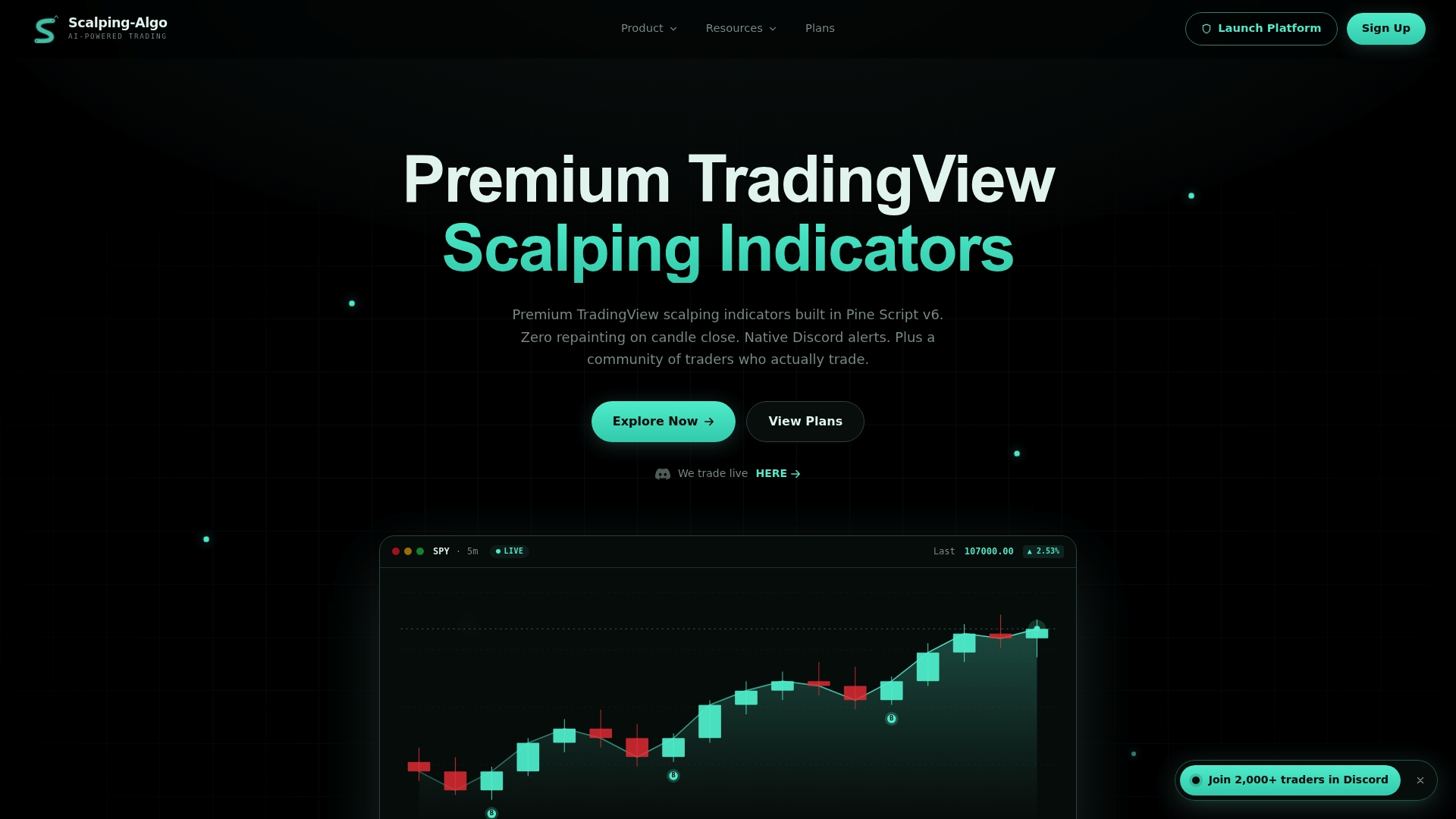
Here's how to test the suite before committing to a plan:
- Run a paper-account demo on Smart Scalping Signals or Edge Finder for at least a week.
- Run the repaint test yourself: screenshot signals, wait several bars, compare.
- Time the webhook alert from signal to Discord delivery.
- Join our Command Center community to ask about demo length and refund terms directly.
Plans run Monthly at $79, Yearly at $799, or Lifetime at $1,999 for one-time access to the full suite. Start with the plans and pricing page and run your own numbers against your trade frequency before you commit.
FAQ
Which trading indicator is most accurate?
No single indicator is reliably "most accurate" across assets and timeframes. Accuracy depends heavily on the asset class and period tested, with some technical rule families showing stronger historical performance in commodity spreads than in other markets. The only way to judge accuracy for your own setup is out-of-sample testing on your specific pair and timeframe.
Is it worth getting TradingView Premium?
TradingView's own premium tiers mainly expand chart limits, alert counts, and data access rather than providing trading signals themselves. Whether it's worth it depends on whether you're hitting those platform limits, not on signal quality, which comes from the indicators you add on top.
What are big 3 indicators?
There's no official "big three," though RSI, MACD, and moving averages are the most commonly cited trio across retail trading education. These are public-domain formulas, and paid tools built around them add value through alert plumbing, confluence logic, and maintenance rather than changing the underlying math.
What is the best open-source alternative to TradingView?
TradingView itself hosts most publicly shared open-source scripts, so the more useful question is which open-source indicators within it are worth using. Look for scripts with active commit history, readable code, and a track record of community-reported fixes rather than searching for a separate platform.
Sources
- Retail Trader’s Ruin: An Anatomy of Popular Signal Failure (2026)
- Backtest pseudo-mathematics and the risk of overfitting
- The predictive ability of technical trading rules (Psaradellis et al., 2021)