

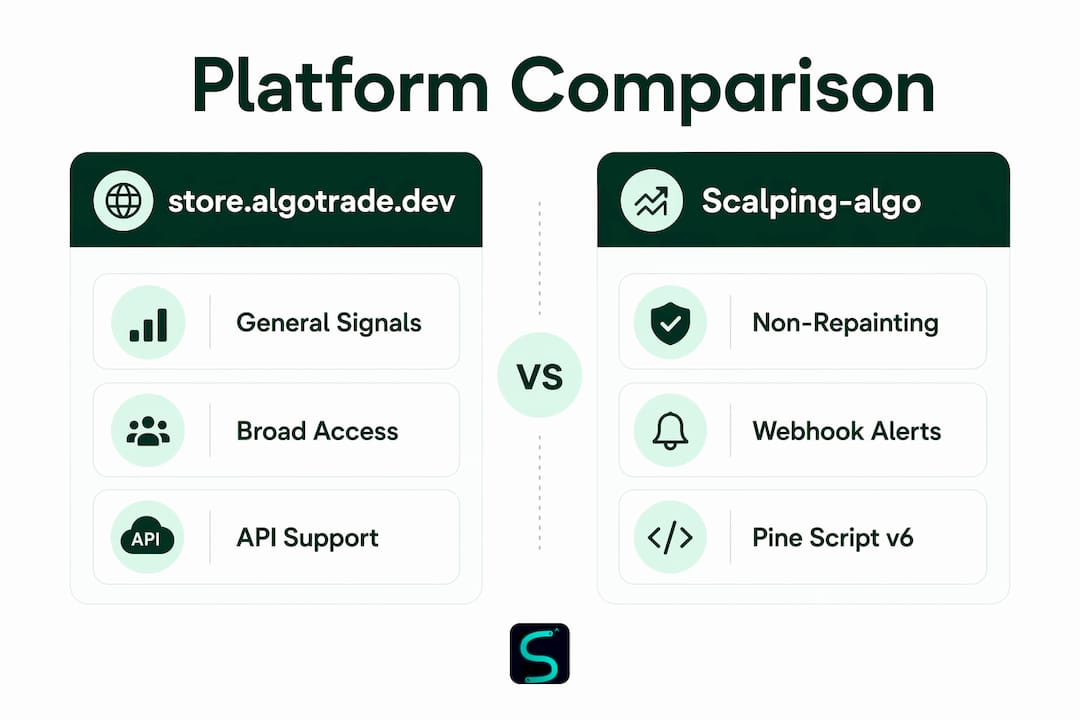
For active scalpers, the best alternative to store.algotrade.dev is Scalping-algo: Pine Script v6 indicators with non-repainting buy/sell signals, native webhook alerts to Discord, a backtesting Command Center, and a live mentorship community. One critical caveat that applies to every indicator suite, including this one: execution quality matters more than headline commissions for scalpers, so pair any indicator with a low-latency broker.
Table of Contents
- How do store.algotrade.dev alternatives compare for scalping?
- How to pick the right scalping indicator suite
- Why Scalping-algo stands out as the recommended alternative
- How to trial and migrate from store.algotrade.dev safely
- The short verdict: Scalping-algo is the practical next step
- What you should know about security and data privacy
- Integration compatibility beyond your broker
- Key Takeaways
- Why integrated suites with mentorship change the outcome for scalpers
- What Scalping-algo's trial includes and how to get started
- Further reading and sources
How do store.algotrade.dev alternatives compare for scalping?
The table below maps the two primary options against the criteria that actually move the needle on 1m–15m scalping performance.
| Feature | store.algotrade.dev | Scalping-algo |
|---|---|---|
| Best for | General algo signal access | Active retail scalpers on TradingView |
| Non-repainting signals | Not publicly confirmed | Yes — confirmed, real-time |
| Supported timeframes | Not publicly listed | 1m–15m optimized |
| Assets supported | Not publicly listed | Crypto, forex, indices, commodities, futures, equities |
| Webhook / alert integration | Not publicly listed | Native Discord webhook alerts |
| Backtesting & Command Center | Not publicly listed | Full Command Center with backtesting dashboard |
| Community & mentorship | Not publicly listed | Live Discord community, mentorship sessions |
| Open-source transparency | Not publicly listed | All scripts open-source (Pine Script v6) |
| Pricing model | Not publicly listed | Monthly, yearly, or lifetime subscription |
| US availability | Not confirmed | Yes |
Beyond dedicated indicator suites, traders sometimes consider three other option types. Brokerage API platforms like Interactive Brokers or NinjaTrader give you execution infrastructure and market access but don't supply non-repainting signal development. DIY open-source frameworks (QuantConnect's LEAN engine, Freqtrade) offer full customization but require ongoing maintenance that most retail scalpers underestimate. Broker-built tools from platforms like E*TRADE cover order execution well but don't provide the indicator-suite signal quality or non-repainting guarantees that short-term scalping demands. For non-programmers who want reliable signals without building infrastructure, a pre-built suite is the practical path.
How to pick the right scalping indicator suite
Use this ordered checklist before committing capital to any algotrade.dev competitor or replacement.
- Confirm non-repainting behavior. Load the indicator on a live chart and watch several candles close. A signal that shifts after the candle closes is repainting. This is the single most important check. See the complete guide to non-repainting indicators for the exact test method.
- Verify 1m–15m timeframe support. Apply the indicator to your target timeframe and confirm signal frequency is usable, not too sparse or too noisy.
- Test multi-asset coverage. If you trade crypto and futures, run the indicator on both. Some suites are tuned for one asset class and degrade on others.
- Run a webhook latency test. Trigger an alert and measure the time from signal to Discord or broker notification. For scalping, delays above a few seconds erode edge.
- Reproduce a backtest. Ask the vendor for their backtest methodology. Run it yourself on a 1m–15m range you haven't seen before (out-of-sample). If results don't hold, the edge may not be real.
- Check open-source availability. Inspect the Pine Script code if it's published. Opaque, locked scripts make independent verification impossible.
Red flags to walk away from:
- No explicit non-repainting claim or test documentation
- No webhook alert support
- Backtest results shown only on cherry-picked in-sample data
- No community, mentorship, or live support channel
- No confirmation of US broker or TradingView compatibility
For non-programmers, pre-built indicator suites consistently outperform DIY API builds on time-to-signal and support quality. If you want full customization and have development resources, a brokerage API stack is viable. Most retail scalpers don't.

Why Scalping-algo stands out as the recommended alternative
Scalping-algo's indicators are built in Pine Script v6 and cover the full short-term scalping toolkit: non-repainting buy/sell signals, volatility gating, divergence detection, order block identification, and multi-timeframe confluence. Every script is open-source on TradingView, so you can inspect the logic before you subscribe.
Signal reliability is the foundation. Non-repainting real-time signals mean the entry you see on a closed candle is the entry you acted on. No retroactive redraws, no phantom setups. For scalpers trading 1m–5m charts, a single repainting signal can turn a winning session into a losing one. Scalping-algo's Command Center integrates backtesting, live signals, and Discord webhook alerts in one dashboard, so you're not stitching together three separate tools to get a complete picture.
The Smart Scalping Signals indicator includes webhook-ready alerts that route directly to Discord, cutting the gap between signal and execution. Projected take-profit and stop-loss levels are built in, so you're not calculating targets manually under pressure. The live Discord community adds a feedback loop that isolated indicator use can't replicate: real-time trade debriefs, shared watchlists, and mentorship sessions that accelerate the learning curve. Indicator suites that include mentorship and community support address the high failure rate associated with traders using disparate, unsupported tools.
How to trial and migrate from store.algotrade.dev safely
Follow these steps to evaluate any alternative without risking significant capital.
- Set up a parallel TradingView workspace. Keep your current setup running. Add the new indicator to a separate chart layout so you can compare signals side by side.
- Enable paper trading first. Most brokers offer a paper trading mode. Run the new indicator's signals through paper trades for 2–4 weeks across your target assets and timeframes.
- Subscribe to a trial or monthly tier. Start with the lowest commitment tier. Full access to indicators, Discord alerts, and backtesting is what you need to validate, not a lifetime plan.
- Run the webhook latency test. Trigger alerts and time the delivery to your Discord channel or webhook tester. Confirm it's consistent across sessions.
- Reproduce the backtest on 1m–15m ranges. Use the Command Center to run a backtest on a date range you haven't reviewed before. Compare results to the vendor's published methodology.
- Verify non-repainting on live candles. Watch the indicator through at least one full trading session. Confirm no signals shift after candle close.
Paper trading and staged capital scaling are the standard best practices before committing live capital to any new strategy.
Pro Tip: Start live trades at 0.25–1% risk per trade maximum. Only consider scaling position size after you've logged 50–100 live trades with a consistent edge. Scaling before that threshold turns a promising setup into an expensive lesson.
For broker pairing, Interactive Brokers is frequently recommended for scalpers because of its DMA access and developer-friendly integrations that reduce slippage and improve fill quality.
The short verdict: Scalping-algo is the practical next step
Scalping-algo is the direct, trial-ready alternative for TradingView scalpers who need non-repainting signals, webhook alerts, and community support in one place. Start with a monthly subscription, run the parallel paper-trade validation plan above for 2–4 weeks, and confirm the edge holds on your specific assets and timeframes. Then pair the indicators with a low-latency broker for live execution. The indicator is the decision engine. The broker is the execution layer. Both matter.
What you should know about security and data privacy
For any TradingView-based indicator suite, your trading data and chart activity stay within TradingView's own infrastructure. The indicator provider receives no direct access to your brokerage account or order flow. Webhook alerts transmit signal data (asset, direction, price level) to your designated endpoint, typically a private Discord channel or a webhook URL you control. You own that endpoint.
Scalping-algo's open-source scripts mean the code is publicly auditable. There are no hidden data calls or external API connections embedded in the Pine Script logic. When evaluating any algotrade.dev competitor, ask specifically: does the indicator make external HTTP requests? Does the platform store your TradingView credentials? For most Pine Script-based suites, the answer to both is no, but confirm it by reviewing the published source code.
Integration compatibility beyond your broker
Scalping-algo's indicators run natively on TradingView, which supports integration with a broad set of tools beyond order execution. TradingView's alert system connects to any webhook endpoint, meaning you can route signals to Discord, Slack, custom dashboards, or third-party automation tools. For traders who want to layer in fundamental research, tools like FilingsIQ.ai provide AI-driven SEC filing analysis that complements technical signal workflows, particularly for equities scalpers tracking earnings catalysts.
For traders measuring alert throughput and webhook latency systematically, performance tooling like Interval AI can benchmark delivery consistency across sessions. TradingView also connects to platforms like E*TRADE and Interactive Brokers through their respective broker integrations, so your indicator alerts can feed directly into order management workflows without a separate automation layer. The benefits of algorithmic trading for scalpers compound when your indicator, alert routing, and broker execution are all connected.
Key Takeaways
Scalping-algo is the strongest practical alternative to store.algotrade.dev for TradingView scalpers because it combines non-repainting signals, webhook alerts, open-source transparency, and live mentorship in a single subscription.
| Point | Details |
|---|---|
| Top alternative | Scalping-algo covers non-repainting signals, 1m–15m timeframes, multi-asset support, and Discord webhook alerts. |
| Must-check before buying | Confirm non-repainting behavior on live candles, test webhook latency, and reproduce a backtest out-of-sample. |
| Migration approach | Run a parallel paper-trade setup for 2–4 weeks before committing live capital to any new indicator suite. |
| Execution caveat | Indicators are decision tools, not execution tools. Pair with a low-latency broker to close the gap. |
| Scalping-algo trial | Start with a monthly plan at scalping-algo.com to access the full suite, Command Center, and Discord community. |
Why integrated suites with mentorship change the outcome for scalpers
Most retail scalpers fail not because they lack a signal, but because they over-rely on a single indicator, skip the validation steps, and ignore execution quality entirely. A non-repainting signal on a 1m chart is only useful if you know how to size the trade, manage the stop, and route the order fast enough to capture the move.
Mentorship and community create feedback loops that solo indicator use can't replicate. When you debrief a losing trade in a live Discord session with other scalpers, you identify whether the loss came from the signal, the execution, or the position sizing. That distinction matters for fixing the right variable. Shared watchlists and real-time trade discussions also surface setups you'd miss trading in isolation.
The traders who stick with scalping long enough to get good at it almost always have a structured learning environment around their tools, not just the tools themselves.
What Scalping-algo's trial includes and how to get started
Scalping-algo gives you more than a signal feed. The subscription includes the full Pine Script v6 indicator suite, Discord webhook alerts, the Command Center with backtesting access, educational resources, and entry to the live mentorship community. Pricing options cover monthly, yearly, and lifetime plans; confirm current rates during signup at scalping-algo.com.
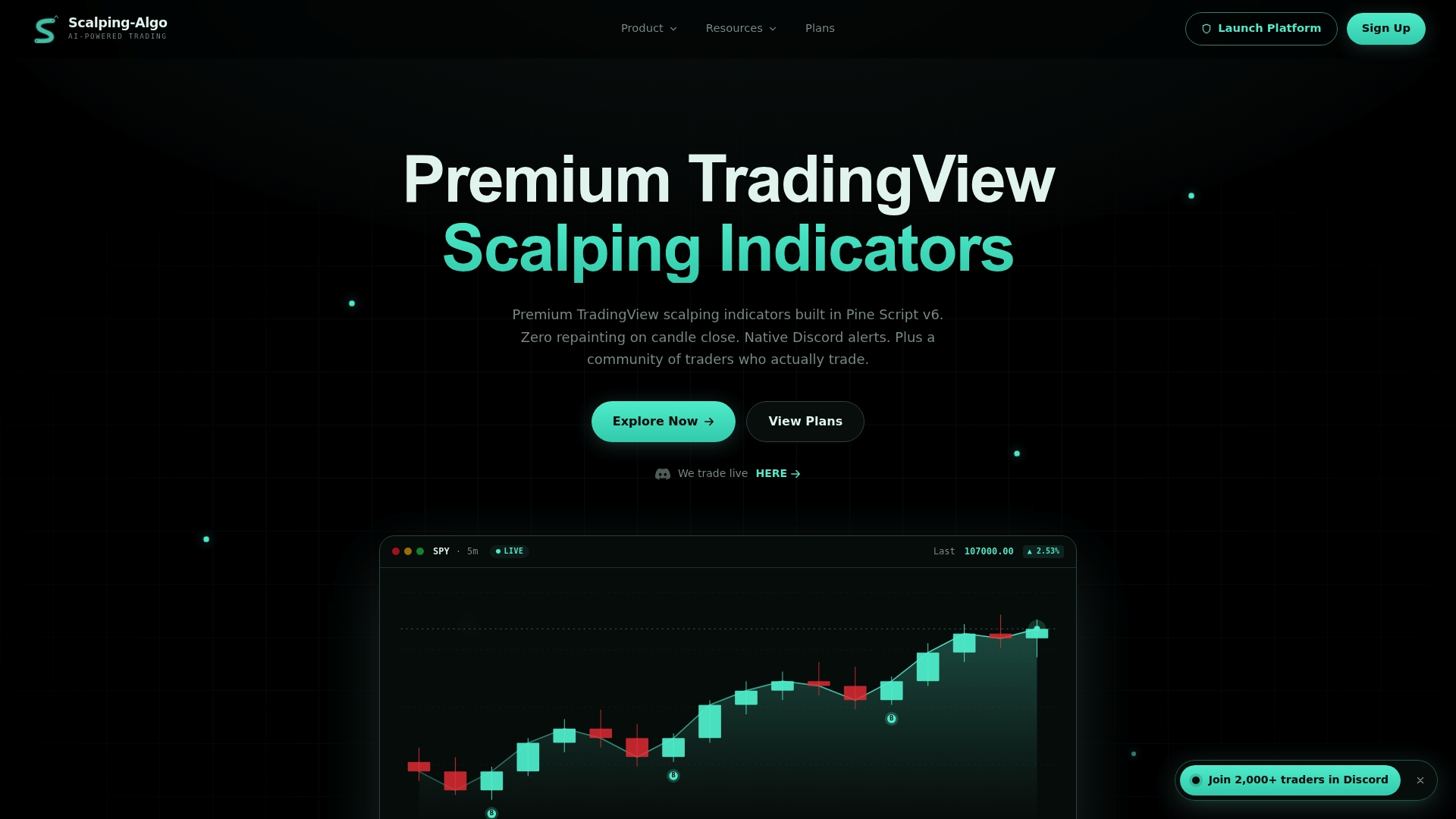
During your first week, focus on four things: watch signal behavior across your target assets and timeframes, trigger a webhook alert and confirm delivery latency, run a backtest on a 1m–15m range you haven't reviewed before, and introduce yourself in the Discord community to access mentorship channels. The intraday trading indicator setup guide walks through the TradingView configuration step by step. Start your trial at scalping-algo.com.
Further reading and sources
- Best Trading Platforms for Day Trading — NerdWallet: execution quality and fill speed guidance for active traders
- The 7 Best Algorithmic Trading Platforms & Software — StockAnalysis: context on brokerage API options, DIY frameworks, and pre-built suite tradeoffs
- Interactive Brokers: DMA access and developer integrations for scalper broker pairing
- Premium TradingView Scalping Indicators — Scalping-algo: full indicator suite, Command Center, and community details
- Smart Scalping Signals — Scalping-algo: webhook alert setup and non-repainting signal documentation
- Non-Repainting Signals Explained — Scalping-algo Blog: technical verification methods for live candle testing