

A TradingView webhook sends your alert message as an HTTP POST to a URL you control. The fastest reliable way to automate orders is to format that message as valid JSON, include a shared secret for verification, and route it through a relay or broker adapter rather than hitting your broker's API directly. Get those three pieces right and everything else in this guide is just configuration.
TL;DR:
- Using JSON formatting, including a shared secret, and routing through a relay or broker adapter ensures reliable TradingView webhook automation.
- Properly validating payload syntax and avoiding malformed JSON prevent silent failures in order execution.
- Secure webhook requests with TradingView's SSL certificate verification and a shared secret, avoiding sensitive info like API keys in alerts.
- Webhook failures often stem from timing, formatting, or endpoint issues, making initial testing with tools like Webhook.site essential before live use.
- Scalping traders should log and measure latency continuously, start with paper accounts, and implement rate limiting and fail-safes for robust automation.
Table of Contents
- TradingView Webhook Examples: JSON Payloads and Pine Script Snippets
- How Do You Set Up a Webhook in the TradingView Alert Dialog?
- How Do You Verify and Secure a TradingView Webhook?
- Why Do TradingView Webhooks Fail (and How Do You Fix Them)?
- Scalping-Algo Practitioner Tips for Running Webhooks Live
- Managed Relay or Self-Hosted Receiver: Which Fits You?
- Integrated Signals With Webhook-Ready Alerts
- Docs and Repos Worth Bookmarking
- Why Self-Hosting Webhooks Beats Relying on Convenience Alone
- Sources
- FAQ
TradingView Webhook Examples: JSON Payloads and Pine Script Snippets
Every webhook alert lives or dies on one thing: whether the message body parses as clean JSON. TradingView sends the alert message as the POST body, using application/json when the message is valid JSON and falling back to plain text otherwise. That distinction matters because most relays and broker adapters reject anything that isn't proper JSON, so a stray curly brace or an unescaped quote will silently break your automation.
Here are three minimal payloads you can paste directly into the "Message" field of an alert:
- Buy order:
{"action": "buy", "ticker": "{{ticker}}", "price": {{close}}, "secret": "your_secret_here"} - Sell order:
{"action": "sell", "ticker": "{{ticker}}", "price": {{close}}, "secret": "your_secret_here"} - Close all:
{"action": "closeall", "ticker": "{{ticker}}", "secret": "your_secret_here"}
TradingView's built-in placeholders, like {{ticker}}, {{close}}, {{strategy.order.action}}, and {{timenow}}, get substituted automatically when the alert fires. If you're running a strategy() script instead of a plain study(), you can lean on strategy.order.action, strategy.position_size, and similar variables to build richer payloads without hardcoding values.
When placeholders alone can't produce the JSON shape you need, build the string manually inside Pine using alert() calls combined with tostring(). This is the pattern most developers reach for when a payload needs computed fields, such as stop-loss or take-profit levels:
alertMsg = '{"action":"buy","ticker":"' + syminfo.ticker + '","sl":' + tostring(low) + ',"tp":' + tostring(high) + ',"time":"' + str.tostring(time) + '"}'
alert(alertMsg, alert.freq_once_per_bar_close)
That approach is well documented in the Stack Overflow discussion on sending strategy data through webhooks, which walks through the string concatenation and type conversion traders commonly get wrong. One habit worth building early: always run your generated string through a JSON validator before wiring it to a live account. A misplaced comma is the single most common reason a webhook fires but never triggers an order. For a deeper breakdown of alert message syntax and more advanced placeholder combinations, see this complete Pine Script alert syntax guide.
How Do You Set Up a Webhook in the TradingView Alert Dialog?
Setting up your first webhook takes about five minutes once you know where TradingView hides the field. Here's the sequence:
- Check your plan and account settings. Webhook URLs require a paid TradingView plan, and enabling two-factor authentication is strongly recommended before you start routing real signals.
- Open the Create Alert dialog from any chart, either from an indicator's three-dot menu or the alarm clock icon.
- Set your Condition — the indicator, strategy, or price condition that should trigger the alert.
- Choose your Trigger. "Once Per Bar Close" confirms the signal on candle close and avoids repainting issues; "Once Per Bar" (intrabar) fires faster but risks reacting to a wick that reverses before the close.
- Scroll to Notifications and check "Webhook URL." Paste your endpoint, whether that's a relay, a serverless function, or a testing tool.
- Write your Message field using one of the JSON payloads above, swapping in your own secret and ticker placeholders.
- Save the alert, then trigger a test condition or wait for a live signal.
Before trusting any alert with real money, run it through a quick verification loop. Point the webhook at Webhook first to confirm TradingView is actually sending the payload you expect. Once that checks out, switch the URL to a paper broker endpoint and watch both TradingView's alert log and your receiver's logs side by side. Because routing an order to a broker generally requires a relay layer to translate the JSON into broker API calls, this is also the stage where you confirm the relay is mapping fields correctly before going live.
How Do You Verify and Secure a TradingView Webhook?
TradingView signs every HTTPS webhook request with its own SSL certificate, and checking that certificate is your first line of defense against spoofed requests. The certificate carries specific fields you can validate server-side:
- C (Country): US
- ST (State): Ohio
- L (Locality): Westerville
- O (Organization): TradingView, Inc.
- CN (Common Name): webhook-server@tradingview.com
Certificate verification confirms the request came from TradingView's infrastructure, but it doesn't confirm the alert itself is legitimate and unaltered. That's where a shared secret earns its place. Embed a random string in your JSON payload, like the secret field shown in the examples above, and reject any request where that value doesn't match what your server expects. Rotate the secret periodically, and never send it over plain HTTP; TLS should be non-negotiable for anything touching live orders.
One rule that trips up beginners: never put broker login credentials, API keys, or account passwords inside the alert message itself. TradingView's servers process and log that payload, so treat it as semi-public data, not a secure vault.
Pro Tip: Keep your shared secret separate from your ticker and action logic in the JSON string. If you ever need to rotate it, you want a one-line change, not a rewrite of every alert across dozens of charts.
Why Do TradingView Webhooks Fail (and How Do You Fix Them)?
Most webhook failures trace back to timing, formatting, or destination problems. Knowing the error categories saves you hours of guessing.
- Timeouts: TradingView's alert processing window is short, roughly three seconds, so your endpoint should return a
200 OKalmost instantly and push heavy processing (broker calls, database writes) to a background worker. - 3xx redirects: Your endpoint is bouncing the request elsewhere. Point the webhook URL directly at the final destination, not an intermediate redirect.
- 4xx client errors: Usually a malformed URL, an authentication mismatch, or invalid JSON in the message field.
- 5xx server errors: If your receiver returns a 500 to 599 status, other than 504, TradingView retries after five seconds, up to three additional times, for four total attempts.
- Symbol mismatch: The ticker format your relay expects (like
EURUSD) doesn't match what TradingView sends (likeFX:EURUSD).
Work through failures in order: check the TradingView alert log first, then your receiver's logs, then confirm the payload structure matches what your relay expects. Testing against Webhook or a paper account before touching live capital catches the majority of these issues before they cost you a trade.
Scalping-Algo Practitioner Tips for Running Webhooks Live
Scalpers live and die by milliseconds, so latency measurement isn't optional. Log the gap between the alert's {{timenow}} value and your receiver's own timestamp on arrival. For lower timeframe strategies (1m to 15m), you want that round-trip in the sub-second to low hundreds of milliseconds range; anything slower and your entries start drifting from the signal that triggered them.
Tag every payload with a strategy_name and account_id field, even if you're only running one strategy today. It costs nothing now and saves you from an unsearchable log mess the moment you scale to multiple accounts or symbols.
Roll out new automation in stages: paper account first, then a short live run with reduced size, then rate limiting and deduplication logic in the relay to catch duplicate fires. Build a kill-switch endpoint you can hit to stop all order flow instantly, before you ever need it under pressure.

Pro Tip: Log every payload your relay receives, even successful ones, for at least a week after going live. When something goes wrong at 2 a.m., that log is the only thing that tells you whether TradingView, the relay, or the broker dropped the ball.
Managed Relay or Self-Hosted Receiver: Which Fits You?
A managed relay cuts your maintenance load and typically already handles broker adapters, retries, and mapping. Self-hosting gives you full control over latency and logic but puts uptime and error handling squarely on you. Weigh it against how many accounts you're routing, how tight your latency needs are for your timeframe, and how much ongoing ops work you're willing to own. For most traders juggling more than one strategy or account, a relay wins on time saved.
Integrated Signals With Webhook-Ready Alerts
Building and debugging your own JSON payloads is worth doing once, but most traders would rather spend that time trading. Scalping-Algo's indicator suite, built in Pine Script v6, ships with native webhook alert integration already wired into the signal logic, so buy, sell, and close-all conditions generate clean, ready-to-route JSON without you writing a single tostring() line.
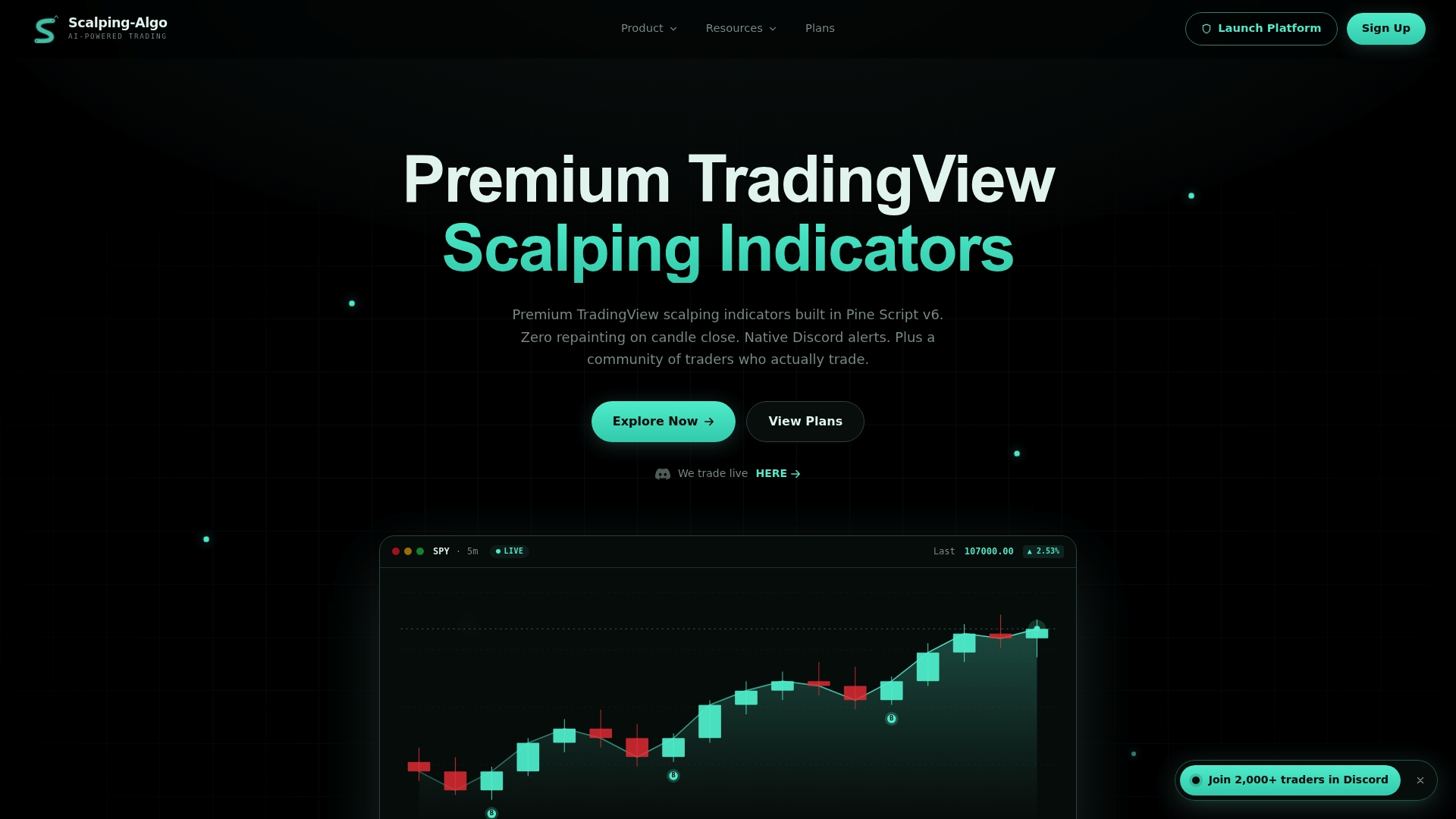
The Command Center dashboard pulls alerts, backtesting, and signal history into one place, and Discord webhook delivery means your entries and exits land in a live community feed instead of a silent log file you have to check manually. That combination, real-time non-repainting signals plus alerts that are already automation-ready, is the practical shortcut around everything covered in the setup and troubleshooting sections above. Explore the Smart Scalping Signals pack if you want webhook-ready entries out of the box, or check the Edge Finder confluence tool if your setup leans on multi-timeframe confirmation. Paper-test any new signal source inside the Command Center before connecting it to a live relay, then head to Scalping-algo to compare the Monthly, Yearly, and Lifetime plans and pick the access level that matches how active you trade.
Docs and Repos Worth Bookmarking
Keep these close while you build or debug webhook automation:
- TradingView's webhook configuration guide for payload and content-type behavior
- Pine Script alerts FAQ for placeholder syntax and timing constraints
- TradingView to MT5 webhook example repository for ready-made payload shapes and Pine files
- Webhook alerts to Discord walkthrough for a full notification-routing example
Why Self-Hosting Webhooks Beats Relying on Convenience Alone
Traders default to whatever relay tutorial ranks first, then wonder why their fills lag the signal by seconds. The uncomfortable truth is that most webhook failures aren't TradingView's fault. They're self-inflicted: malformed JSON nobody validated, a receiver that takes six seconds to respond when TradingView allows three, or a relay chosen for its marketing page instead of its latency numbers.

The bigger mistake is treating the webhook itself as the reliable part of the chain. It isn't. TradingView's webhook is a fire-and-forget signal, not a guaranteed transport, which means deduplication, retries, and idempotency all belong in your relay, not in blind faith that the alert arrived once and only once. Traders who skip that step tend to discover it the hard way, usually with a duplicate order at the worst possible moment.
If there's one habit that separates traders who automate successfully from those who quietly go back to manual entries, it's logging everything and measuring latency before scaling size. The payload examples in this guide will get you running in an afternoon. The discipline to test, log, and roll out slowly is what keeps that automation running six months later.
— Tran
Sources
- How to configure webhook alerts — TradingView
- Webhook authentication — TradingView
- Webhook resubmission — TradingView
FAQ
Can TradingView Be Used With Webhooks?
Yes. TradingView supports webhook URLs directly inside the alert dialog, sending your alert message as an HTTP POST to any endpoint you specify. The request uses application/json automatically when your message parses as valid JSON.
What Are Some Examples of Webhooks in TradingView Automation?
Common examples include a buy or sell JSON payload sent to a relay that places broker orders, a "close all" message that flattens positions, and alerts routed to Discord for trade notifications. Minimal payloads typically include the ticker, an action field, and a shared secret for verification.
How Much Does a TradingView Webhook Cost?
TradingView's webhook feature is included with its paid plans that expose the webhook field. If you want indicators with webhook alerts already built in, Scalping-Algo's plans run $79 per month, $799 per year, or $1999 one time for lifetime access.
Can I Automate My Trading With TradingView Alerts?
Yes, but TradingView's webhook only sends the signal. Turning that signal into an actual order generally requires a relay or broker adapter to translate the JSON payload into API calls, since broker execution needs that translation layer. Paper-test the full chain before connecting it to a live account.