
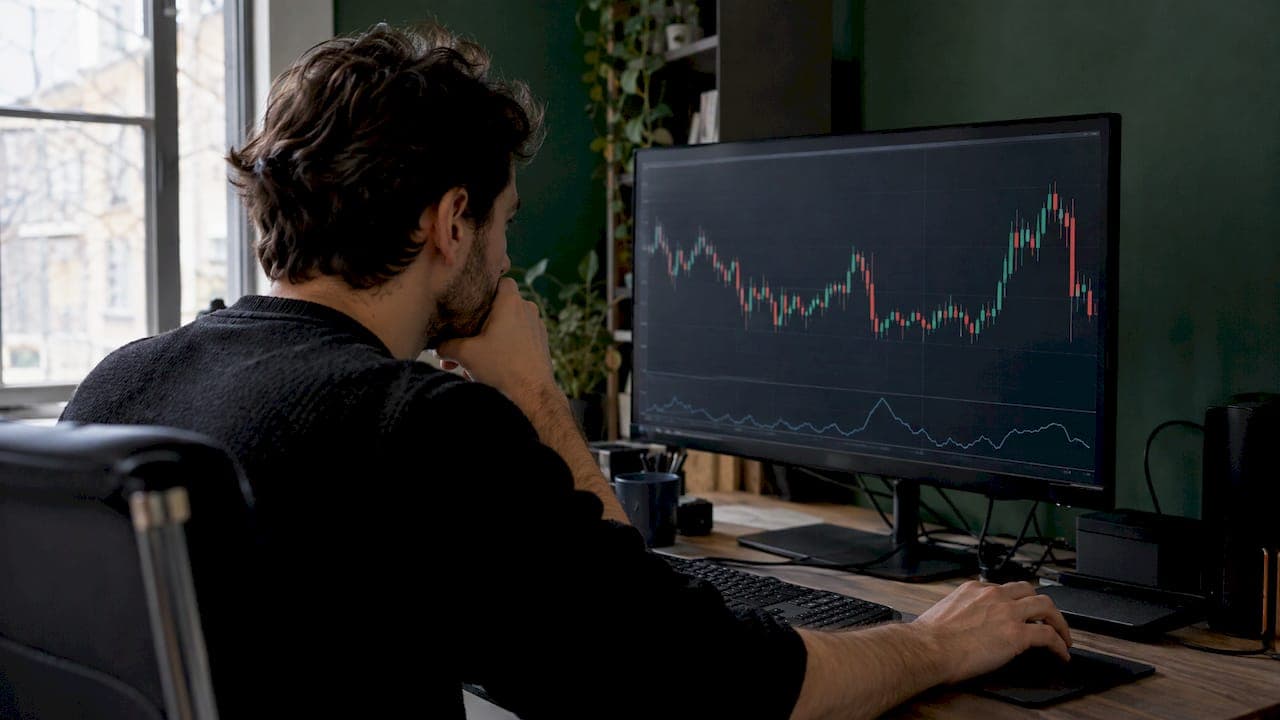
A volatility filter is a rule that allows or blocks a scalping entry based on how much price is moving. The most common version compares ATR (Average True Range) to a minimum value: if ATR is below it, you skip the trade. The point is simple. A 1m to 5m setup only pays when price travels far enough to cover spread, commissions and slippage. This guide shows how to build the filter, set thresholds, adjust by market and test it before you risk money.
TL;DR
- A volatility filter gates entries. It does not predict direction. It answers one question: is this market moving enough for my setup?
- ATR is the standard tool. Compare it to a floor (minimum) and, optionally, a ceiling (maximum) or to its own moving average.
- Scalpers typically use shorter ATR periods (5 to 10) than the standard 14. Treat every number as a starting point, not a universal setting.
- Filters can be too tight and cost you expansion moves. Test across regimes and forward test before going live.
- Use the same ATR reading for position sizing so dollar risk stays constant when volatility shifts.
Table of Contents
- What a volatility filter does for a scalper
- How ATR measures volatility
- Setting the threshold: floor, ceiling and relative filters
- Settings by timeframe and market
- Using the same reading for stops and size
- Automating the filter in TradingView
- Advantages and limits
- How to test before going live
- Perspective
- Put the filter to work
- FAQ
- Sources
What a volatility filter does for a scalper
Scalping lives on small moves. When the market goes quiet, price still ticks around, but the range per bar shrinks below what your costs require. You get signals that look fine and lose money to spread and commissions.
A volatility filter is a gate that selectively allows or blocks trades based on market conditions, which cuts false signals and unnecessary transaction costs. It sits on top of your entry logic. Your signal says "go". The filter says "yes, there is enough movement" or "no, stand down".
Two things it is not:
- Not a direction tool. ATR shows how much price has moved, not which way.
- Not a replacement for risk rules. It improves the quality of the environment you trade in. Stops and sizing still do the protecting.
For the cost side of the equation, our guide to measuring and beating spread cost in scalping walks through the math. The same logic applies to tick scalping costs: the smaller your target, the more a quiet market eats your edge.
How ATR measures volatility
ATR starts with true range, which is the largest of three values: the current high minus the current low, the current high minus the previous close, or the previous close minus the current low. Investopedia describes ATR as a 14-day exponential moving average of that true range. A larger ATR means wider trading ranges. A low reading is generally consistent with quiet trading.

On an intraday chart, the "14" counts bars, not days. A 14-period ATR on a 1m chart looks at the last 14 minutes. On a 15m chart it covers about three and a half hours.
ATR works on stocks, ETFs, forex pairs, commodities and futures, per the same source. That makes it a practical default across the markets scalpers trade. Crypto trades around the clock and uses the same math.
Other volatility tools exist. Bollinger Bands and the VIX also appear in the same Investopedia overview. For scalping, ATR wins on simplicity: it outputs a number in price units that you can compare to your stop, your target and your costs. For a broader tour, see our list of volatility indicators every trader should know.
Setting the threshold: floor, ceiling and relative filters
There are three common ways to turn ATR into a rule.
1. Absolute floor
Set a minimum ATR value. If current ATR is under it, entry is prohibited because there is not enough movement to justify the trade. This is the simplest gate and the best place to start.
How to pick the number: work backward from costs. Say your round-trip cost (spread plus commission plus expected slippage) is X in price terms. If your target is 1.5 times your stop and your stop is 1 ATR, you need ATR large enough that the target comfortably exceeds X. A common sanity check is a target at least several times your cost. Pick the multiple you can defend with your own data.
2. Floor plus ceiling
Too much volatility is its own problem. Spreads widen, fills slip and stops get jumped. A ceiling blocks entries when ATR is far above normal. Together the floor and ceiling define an operating zone: not dead, not chaotic. We cover this in detail in how to set volatility gating floors and ceilings.
3. Relative filter
Instead of a fixed number, compare ATR to its own average. One published example is ATR(14) greater than its 50-period moving average, which is explicitly not a universal setting. The advantage: the filter adapts when the instrument's baseline changes, for example when a coin doubles in price.
For cross-market comparison, convert ATR to a percentage of price. ATR% lets you compare volatility across different markets, which matters if you run the same rule on BTC, EUR/USD and an index future.
| Filter type | Rule example | Best for | Watch out for |
|---|---|---|---|
| Absolute floor | ATR below your minimum: no entry | One instrument, stable price level | Needs re-tuning when price level changes |
| Floor and ceiling | Trade only inside the ATR band | News-heavy or thin markets | Two parameters to test |
| Relative (ATR vs its average) | ATR above its longer average: allow | Multiple instruments, trending price levels | Slow to react after sudden spikes |
| ATR% | ATR divided by price, compared to a minimum | Comparing markets | Less intuitive for setting stops |
We keep a copy-paste ATR filter rules card if you want a ready checklist.
Settings by timeframe and market
There is no single best ATR period. A few guidelines hold up:
- Period. For scalping, shorter ATR periods of 5 to 10 are used, 14 is standard and 50 or more is long-term. Short periods react fast and flicker more. Longer periods smooth the signal but lag at session opens.
- Timeframe. On 1m charts, noise dominates and a floor is essential. On 5m and 15m, a relative filter often behaves better. Our settings guide covers ATR 14 to 20 on TradingView.
- Market. Forex majors move in session waves: London and New York overlaps carry the range. Crypto has no close, so volatility regimes shift without a clock. Index futures spike at the cash open and around data releases.
- Hours. In U.S. equities, the SEC's investor education site notes that in extended-hours trading, reduced trading interest can widen spreads, raise costs and make execution harder. A volatility filter alone does not fix thin liquidity, so pair it with a time-of-day rule.
A useful habit: log ATR at the moment of every trade. After 50 or so trades you will see which ATR bands your setup actually earns in.
Using the same reading for stops and size

ATR does double duty. For short-term orders, some traders place stops at roughly 1.5 to 2 times ATR. That ties your stop to current conditions instead of a fixed pip or dollar distance.
Once the stop distance floats with ATR, position size has to float the other way. Wider stop, smaller size. Narrower stop, larger size. The goal is constant dollar risk per trade. A quick example:
- Risk budget per trade: $50.
- Stop distance at 1.5 ATR equals 10 points, and each point is worth $1 per contract. Risk per contract: $10. Size: 5 contracts.
- Volatility doubles. The stop is now 20 points. Risk per contract: $20. Size: 2 contracts, because 2 x $20 = $40 stays inside the budget.
The numbers are illustrative, not a recommendation. Scale to your own account and rules. If you want to test how stop distance changes outcomes without overfitting, this walk-through on stop loss optimization with backtesting is a good companion. For exits that also adapt to ATR, see our dynamic take profit guide.
Automating the filter in TradingView
You can build the gate yourself in Pine Script. The logic is short:
- Calculate ATR with your chosen length.
- Calculate its moving average, or define a fixed floor.
- Create a boolean: ATR above the floor (and below the ceiling, if used).
- Require that boolean to be true before any buy or sell condition fires.
- Set alerts on the gated condition only, so notifications arrive only when the market qualifies.
Two habits save headaches. First, evaluate the filter on closed bars so it does not flip mid-candle and create signals that vanish. Second, plot the gate (a background color works) so you can see on the chart exactly when the filter blocked a trade.
If you would rather not maintain the code, a regime-aware approach does this for you. Our write-up on building and tuning a volatility regime filter explains the logic, and Edge Finder is built around it.
Advantages and limits
What a good filter gives you:
- Fewer low-quality entries in dead conditions.
- Lower cost drag, since you trade when the move can pay for the spread.
- Consistent dollar risk when ATR drives size.
- A clear, testable rule instead of a gut feeling that "it's slow today".
What to manage:
- Filters can be too restrictive and miss expansion periods, and calm conditions can precede news events. A floor set too high leaves you flat on the day's best move. Keep an eye on scheduled releases rather than treating quiet as safe.
- A filter tuned to last month's market may not fit this month's. Re-check thresholds on a schedule.
- More parameters mean more room to overfit. Keep the rule set small.
For the bigger picture on why volatility matters to retail scalpers, read our retail trader's guide to the role of volatility and the advantages of volatility trading.
How to test before going live
Do not trust a threshold because it looks sensible. Run it through this sequence:
- Define zones. Pick your floor, ceiling or relative rule before you look at results.
- Backtest with and without the filter. Compare win rate, average trade, profit factor and max drawdown. The filter should improve expectancy per trade, not only cut trade count.
- Split by regime. Check low, normal and high volatility periods separately. A filter that only helps in one month is luck.
- Test across periods. Use different weeks and market conditions, including trending and choppy sessions.
- Forward test. Run on a demo or very small size, with the filter logged, for a meaningful sample.
- Adjust on data. Change one parameter at a time and write down why.
This follows the testing approach TickSurfers describes: define operating zones, compare across volatility regimes, test across market periods and rely on forward testing.
Slippage is part of the test. Backtests often assume perfect fills, so add a cost assumption. Our guide to cutting slippage with four execution levers shows what to model.
Perspective
We see the same mistake from new scalpers every week. The entry signal gets all the attention, and the market condition gets none. A good signal in a dead tape is still a losing trade once costs are counted.
That is why volatility gating sits at the core of our indicator suite. Our scripts are open source, so you can read exactly how the gate works. Signals are confirmed on candle close, and the volatility gate is designed to keep you out of the quiet stretches where scalps stall.
Our approach: gate first, then confluence, then execution. Edge Finder handles regime detection. Smart Scalping Signals handles entries. Alerts go to Discord so you act when conditions line up, not when you happen to be staring at the screen. In our community sessions, we review trades by volatility state so members can see which conditions pay.
Filter rules are only as good as the testing behind them. Keep your thresholds simple, log every trade and let the data tell you what to tighten.
Tran
Put the filter to work
If you want the gate already built into your TradingView charts, we designed our suite around it: Pine Script v6 indicators with non-repainting signals on candle close, volatility gating, multi-timeframe confluence, projected TP/SL and native Discord webhook alerts for the 1m to 15m timeframes. Edge Finder covers the regime and volatility side, and Smart Scalping Signals covers entries.
Plans, as published on our site: $79 per month, $799 per year or $1,999 one-off for lifetime access. See the full plans on Scalping-Algo and our trading tricks and tips for more practical setups.
FAQ
What is the best ATR setting for a scalping volatility filter?
There is no universal best. Scalpers commonly use periods of 5 to 10, with 14 as the standard default. Start with 14, test a shorter length on your own instrument and keep whichever improves results across several market periods.
Should I use a fixed ATR threshold or a relative one?
A fixed floor is easier to understand and works well on one instrument at a stable price level. A relative filter, such as ATR versus its own moving average, adapts better when price level or regime changes. Many traders test both and compare the results.
Can a volatility filter make me miss good trades?
Yes. If the floor is set too high, you can sit out the start of an expansion move. That is why you test thresholds across regimes and review blocked trades. Adjust gradually and keep the rule simple.
Does a volatility filter replace a stop loss?
No. The filter decides whether to enter. Your stop limits loss once you are in. Many traders link the two by using ATR for both the gate and the stop distance, then sizing the position so dollar risk stays constant.
Sources
- MQL5 ATR Volatility Filter: How to Improve EA Entry Quality
- Market Indicators That Reflect Volatility in the Market, Investopedia
- Master Trading Strategies With Average True Range, Investopedia
- Using Average True Range in Volatile Markets, Charles Schwab
- Extended-Hours Trading: Investor Bulletin, Investor.gov
- Using Strategy Filters (Time of Day, Volatility), QuantStrategy
- Volatility: ATR and Bollinger Bands, Alpari
- How to Use Volatility Filters in Trading, TickSurfers
- Tick Scalping: How It Works, What It Costs, PropFunding
- Stop Loss Optimization, Backtestify