

An entry confluence indicator flags higher-probability trade entries when multiple independent technical signals align on direction or price. That edge is real but never certain: it still demands risk management, stop placement, and position sizing on every trade. Before you trust any signal, check two things: bar-close confirmation (so it is not repainting) and a volatility gate (so it skips chop and skew).
TL;DR:
- Using three independent confluence signals, such as a trend filter, momentum oscillator, and structural level, improves trade reliability.
- Repainting issues and over-confluence can cause false signals, so confirmation on bar close and realistic backtesting are essential.
- Incorporating volatility gating with measures like ATR prevents trades in skewed or low-liquidity regimes.
- Avoid stacking redundant momentum oscillators from the same data category, and prioritize a proper volatility gate before expanding the confluence stack.
- Built-in tools like the Edge Finder, Momentum Oscillator, and Smart Scalping Signals at Scalping-Algo enforce safeguards for non-repainting, confirmed entries, and outcome tracking.
Table of Contents
- Why confluence matters more than any single signal
- The indicator classes that build a real confluence stack
- Build and test a confluence entry step by step
- Where confluence setups break: repainting, backtests, and skew
- How a confluence toolkit should implement these safeguards
- What traders get wrong about confluence
- Put these safeguards to work with a built-in indicator suite
- FAQ
- Sources
Why confluence matters more than any single signal
Confluence means several independent technical methods point to the same conclusion at the same time: a trend filter, a momentum reading, and a structural price level all agreeing on direction. One signal alone is a guess dressed up as a rule. Three signals agreeing is closer to evidence, because each one fails in different conditions and market regimes, as Babypips explains in its confluence breakdown.
A typical confluence stack looks like this:
- Price pulls back into a prior support zone.
- RSI or MACD shows a momentum shift in the direction of the bounce.
- Volume picks up on the reversal candle, confirming participation.
The trap is redundancy. Stacking RSI, Stochastic, and the Williams %R together feels like three confirmations, but they are all momentum oscillators built from the same price data. They tend to agree or disagree together, which manufactures false confidence rather than independent evidence. Real confluence comes from mixing categories, not multiplying TradingView indicators that demand confluence from the same family. We cover this distinction in more depth in our guide to confluence in trading.
The indicator classes that build a real confluence stack
Each class below answers a different question. Mixing classes, not indicators within a class, is what makes a stack worth trading.
- Trend and regime tools (EMAs, SMAs, regime filters): set the directional bias and tell you whether the market is trending or ranging before you even look for an entry.
- Momentum oscillators (RSI, MACD): confirm whether buying or selling pressure actually backs the move, useful for spotting divergence, per Investopedia's MACD guide.
- Volume confirmation (VWAP, volume surge, volume profile): proof that real participation is behind the move, not a thin, low-liquidity poke.
- Price structure (pivots, order blocks, Fibonacci levels): gives you precise entry and stop-loss levels instead of a vague directional hunch.
- Volatility gating (ATR, CVOL-style measures): tells you when to sit out, since even a textbook setup can fail during a skewed, one-sided volatility regime.
A regime filter plus a momentum reading plus a structural level covers three different questions: direction, pressure, and price. That is the sweet spot. Adding a fourth or fifth correlated filter rarely adds new information, it mostly shrinks your number of trades. Our breakdown of volatility indicators goes deeper on the gating piece specifically.
Pro Tip: Pick one indicator per class, never two from the same class, and you will avoid most confluence mistakes before they happen.
Build and test a confluence entry step by step
Turning a confluence idea into a tradable setup takes five concrete steps.
- Define your timeframe and anchor the trend. Scalpers typically work the 1 to 15 minute charts but check the 1 hour or 4 hour chart first to set directional bias.
- Select three independent signals. A scalp stack might be a regime filter, a fast momentum oscillator, and VWAP; an intraday stack might swap VWAP for a daily pivot level.
- Set your gating rules. Require bar-close confirmation on every signal, a volatility reading inside your acceptable range, and agreement with the higher-timeframe trend.
- Define execution mechanics. Enter on the confirmed close, place your stop beyond the structural level that invalidates the setup, size the position to that stop distance, and plan partial exits at defined reward multiples.
- Log every detection. Record the signal, the outcome, and whether it hit target, stopped out, or went nowhere, then tune thresholds based on the pattern.
Within those steps, a few rules do most of the work:
- Never act on an unconfirmed, still-forming candle.
- Reject a signal outright if the volatility gate flags extreme, one-sided skew.
- Reduce size, never conviction, when only two of three factors align.
Our step-by-step confluence guide for scalpers walks through parameter examples for faster timeframes, and our risk management notes for retail traders cover sizing and stop placement in more detail.
Where confluence setups break: repainting, backtests, and skew
Most confluence failures trace back to one of three technical issues, not bad analysis.
- Repainting. A script that recalculates on unconfirmed bars can show a signal that vanishes on the next tick. TradingView's own documentation on repainting explains how limited history and server-side alert recalculation change a script's output after a refresh, which is exactly why bar-close confirmation logic matters.
- Backtest bias. OHLC-only backtests assume price moved cleanly through a bar, which overstates fills. TradingView's Bar Magnifier mode inspects lower-interval price action inside each bar to produce more realistic order fills, a meaningfully more honest test than OHLC alone.
- Over-confluence. Stacking five or six filters shrinks your signal count toward zero and buries the few real setups under redundant conditions.
CVOL-style volatility measures use a variance methodology to deliver a forward-looking read on risk about a month ahead, which helps separate a distribution-driven move from a directional skew, according to CME Group's research on CVOL. That distinction is the difference between a tradable breakout and a one-sided squeeze you should avoid.
Operationally: restart alerts periodically to avoid growing calculation drift, track your hit rate by setup type, and favor script logic built on confirmed bar states over anything that recalculates mid-candle, a point also covered in TradingView's repainting troubleshooting guide.
How a confluence toolkit should implement these safeguards
A confluence indicator is only as good as the engineering behind it. The safeguards above should show up as actual features, not just good intentions.
- Non-repainting buy and sell signals confirmed on candle close, not mid-bar.
- Volatility gating that suppresses signals during skewed, non-structural moves.
- Divergence detection layered against momentum, not duplicated across multiple oscillators.
- Multi-timeframe confluence checks, so a lower-timeframe signal confirms against higher-timeframe structure automatically.
- Outcome tracking dashboards that log hit rate by setup type, so thresholds get tuned against real results instead of guesswork.
- Backtesting with intrabar inspection rather than OHLC-only assumptions, closer to how fills actually happen.
An open-source script matters here too: when the logic is visible, you can confirm the bar-close rule yourself instead of trusting a black box.
What traders get wrong about confluence
The biggest mistake we see is treating confluence as a precision upgrade when it is really a filter. Three aligned signals do not predict the next candle, they reduce how often you trade against the prevailing structure. That is a meaningfully smaller claim than what most marketing around "confluence indicators" implies, and traders who expect certainty from alignment get burned the first time a clean setup still stops out.

The second mistake is chasing more confirmations instead of better ones. Adding a fourth oscillator to a stack that already has three feels rigorous, but it is usually just noise from the same data wearing a different label. The fix is almost always subtraction: drop a redundant filter before adding a new one.
What we would prioritize first, before any indicator selection, is the volatility gate. A technically perfect trend, momentum, and structure alignment still fails inside a skewed, illiquid regime, and no amount of extra confirmation fixes that. Get the gate right, then build the stack.
— Tran
Put these safeguards to work with a built-in indicator suite
Building a compliant confluence stack by hand across bar-close logic, volatility gating, and hit-rate tracking takes real setup time. Our suite at Scalping-Algo builds those safeguards directly into the indicators, so the checklist above is enforced before a signal ever reaches your chart.
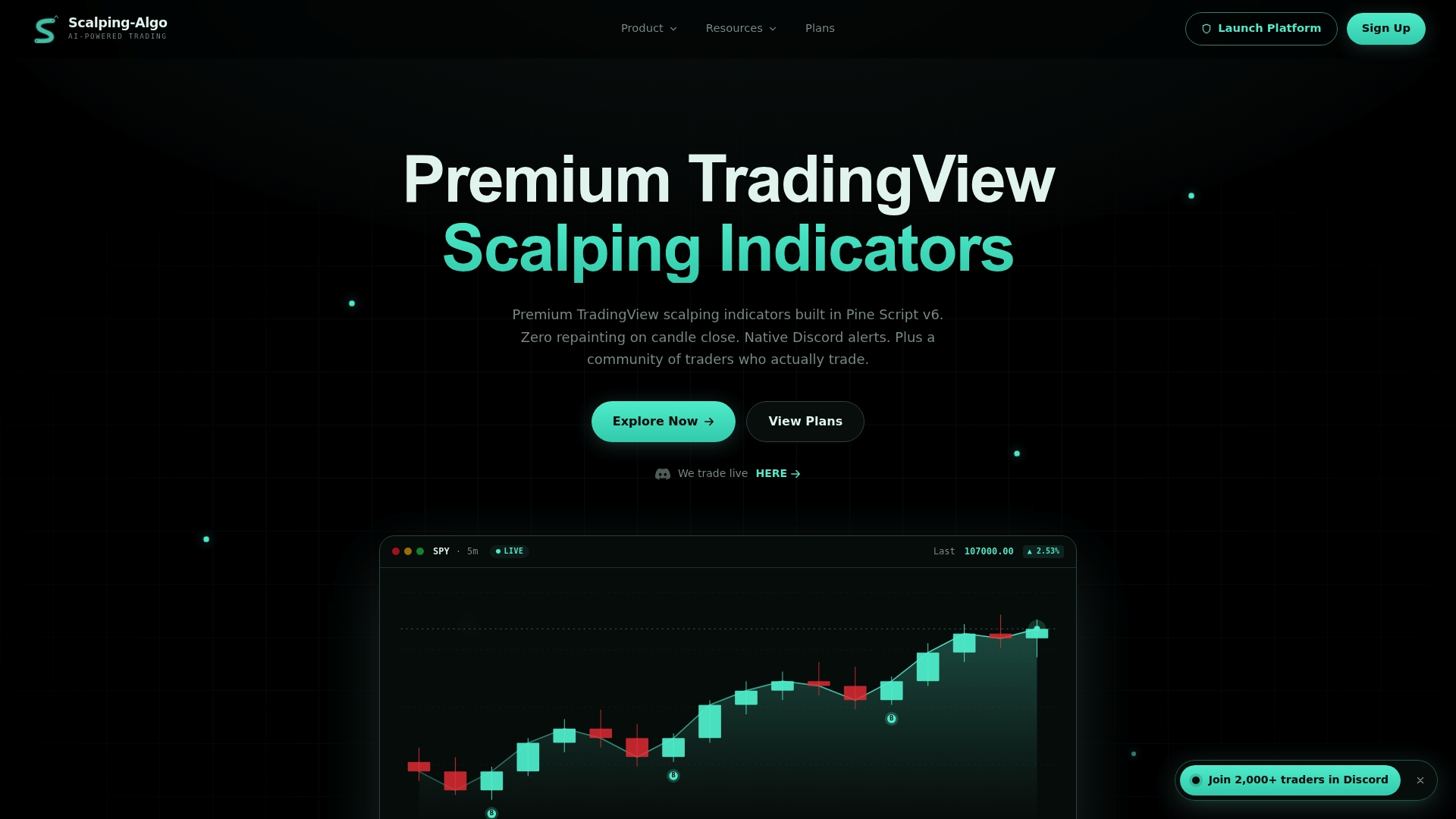
Edge Finder handles regime filtering and order-block structure, Momentum Oscillator covers momentum confirmation without duplicating redundant readings, and Smart Scalping Signals combines volatility-gated, non-repainting entries for lower timeframes. All three plug into the Command Center dashboard for backtesting, alerts, and outcome tracking in one place.
Visit our plans and full suite overview to start backtesting a three-factor stack this week.

FAQ
Which indicator is best for trade entry?
No single indicator is reliably best on its own; a regime or trend filter paired with one momentum oscillator and one structural level, per Babypips' confluence framework, outperforms any single tool used alone.
What are the "big 3" indicators traders combine?
Definitions vary across trading communities, but a common version combines a trend or moving-average filter, a momentum oscillator like MACD or RSI, and a volume or structure-based confirmation tool. The goal is covering direction, pressure, and participation with three different data sources rather than three similar ones.
What is the best entry indicator on TradingView?
There is no single answer, since the best setup depends on timeframe and market, but TradingView's own guidance on Bar Magnifier backtesting and non-repainting script design points toward indicators that confirm on bar close and test well under intrabar inspection. Our Edge Finder and Smart Scalping Signals tools are both built on that non-repainting, bar-close logic.
Is there a free confluence indicator available?
Many free scripts on TradingView offer partial confluence features, such as basic trend and momentum overlays, though most lack volatility gating or outcome tracking. Check any free script's documentation for bar-close confirmation before trusting its signals, since repainting is a documented risk in scripts that recalculate mid-bar.
Sources
- The advanced trader’s edge: use CVOL to decode complex treasury movements
- The impact of data repainting on alert calculation — TradingView
- What is Bar Magnifier backtesting mode — TradingView
- Confluence definition | Babypips
- MACD — Investopedia