

A unified alerts dashboard is the single screen where your TradingView signals, webhook deliveries, backtest results, and trade-management tools live together. For scalpers working 1 minute to 15 minute charts, the fastest path is a proven Command Center built for this job. If you build your own, it needs three things: real-time ingestion, non-repainting confirmation, and webhook-safe execution.
TL;DR:
- Webhook rate limits cap TradingView alerts at 15 per three minutes, making it essential to design alert logic that avoids hitting this threshold during high-volatility periods.
- Building an ingestion layer that acknowledges alerts instantly and stores them asynchronously ensures reliability amid traffic spikes and rate limits on platforms like Discord.
- Backtesting accuracy depends on using strategy order-fill alerts instead of indicator alerts, with raw payload recording crucial for aligning simulated and live trading results.
- Securing webhook endpoints involves secret management, sender verification, and cautious storage practices to prevent exploitation and protect sensitive data.
- As alert volume increases, shifting to queue-backed processing and data partitioning maintains dashboard responsiveness and prevents bottlenecks during busy trading sessions.
Table of Contents
- What a scalper's unified alerts dashboard actually needs
- How to design ingestion that survives rate limits and timeouts
- Making backtests match what your webhooks actually deliver
- Trade-management patterns that keep scalping disciplined
- TradingView webhook setup checklist and message formatting
- Scalping-Algo's Command Center as a working example
- Securing your webhook endpoints and stored alert data
- Scaling the dashboard as your alert volume grows
- Prioritizing and filtering alerts so the signal doesn't drown
- Catching and flagging failed alert deliveries
- An operator's view on what actually matters
- Getting started with the Scalping-Algo Command Center
- Key documentation and implementation resources
- Sources
- FAQ
What a scalper's unified alerts dashboard actually needs
Think of this as a spec sheet. Every working dashboard, whether you build it or buy it, breaks down into five layers.
- Signal layer: non-repainting signals confirmed on candle close, timeframe tuning for 1m to 15m charts, and confluence flags that show when multiple indicators agree.
- Ingestion layer: a webhook endpoint that acknowledges instantly, then persists the raw alert to a database or queue before anything else happens.
- Routing and transforms: fan-out logic that reshapes payloads into JSON and sends them to Discord, an API, or an execution engine without blocking the ingestion step.
- Backtesting linkage: every live alert gets tagged with metadata (timestamp, price, script version) so you can compare it against historical test runs later.
- Trade-management UI: quick-execution templates, position sizing presets, and a clear view of open versus closed trades.
Skip any one of these and you get gaps. A dashboard with great signals but no persistence loses alerts during traffic spikes. One with routing but no backtest linkage gives you no way to check if the signal logic actually held up.
Pro Tip: Build or buy with the ingestion layer first. Everything downstream depends on alerts arriving and surviving, not on how good the chart looks.
How to design ingestion that survives rate limits and timeouts
Architecture decisions here determine whether you lose trades during busy sessions. Three constraints matter most, and they are not negotiable.
- Build a stable ingestion endpoint that writes the raw alert to a database or queue immediately, before running any transform logic.
- Keep every transform asynchronous. TradingView cancels webhook requests that take too long to acknowledge, so heavy processing has to happen after the response, not before it.
- Attach idempotency keys to each alert so a duplicate webhook delivery does not trigger a second order fill.
- Plan for rate limits on both ends: TradingView and Discord each cap how fast alerts can move.
TradingView stops firing an alert once it triggers more than 15 times within any 3-minute window, and that ceiling is global and fixed. If your strategy is chatty on a 1-minute chart during a volatile session, you can hit that wall fast, and the alert simply stops firing until the window resets. Design your indicator logic and your alert conditions with that number in mind, not after you discover it the hard way.
Making backtests match what your webhooks actually deliver
A backtest that does not reflect your live alert behavior is a comforting lie. Getting this right takes a few deliberate choices.
- Use strategy order-fill alerts, not indicator alertcondition events, when you need the backtest to reflect simulated entries and exits accurately. Indicator alerts are built for notification, not fill simulation.
- Set
calc_on_every_tickwhen your strategy needs intrabar precision, and record the exact timestamp and price your alert fired on. - Store the raw alert payload for every signal, then replay that payload against the strategy tester or your own simulator to confirm the logic holds outside the chart.
- Confirm non-repainting behavior by checking that each signal locks in on candle close and by running out-of-sample periods your original test never saw.
The gap between indicator alerts and strategy order-fill alerts trips up a lot of scalpers. An indicator can tell you "price crossed the line" the instant it happens intrabar, but a strategy order-fill alert tells you what actually would have executed. If your dashboard backtest run used one and your live alerts use the other, your numbers will not line up, and you will not know why until you dig into the raw payloads.
Trade-management patterns that keep scalping disciplined
Signals are only half the job. What happens after the alert fires determines whether you survive a losing streak.
- Choose between one-click execution templates and a webhook-to-execution engine based on how much you trust automated fills versus wanting a manual check before every order.
- Set per-trade risk caps, a daily loss stoppage, and a concurrency limit so a string of signals cannot turn into a string of overlapping, oversized positions.
- Build in a dry-run mode and a kill switch. Partial fills happen, and your dashboard needs a way to flag them instead of assuming every order filled clean.
- Reconcile stored fills against your exchange or broker reports on a regular schedule, not just when something looks wrong.
Pro Tip: Run new automation rules in dry-run for at least a week of live market hours before letting them place real orders. Scalping moves fast enough that a bad rule can compound losses in minutes.
TradingView webhook setup checklist and message formatting
Getting the wiring right the first time saves you from debugging silent failures later.
- TradingView webhook alerts require HTTPS on port 80 or 443, and the platform rejects requests on other ports outright.
- Two-factor authentication must be enabled on your TradingView account before webhook alerts will work at all.
- Keep your transform logic async since TradingView cancels requests that run past roughly three seconds without a response.
- Write valid JSON in your alert message when the destination expects structured data. TradingView only sends
application/jsonwhen the message itself parses as valid JSON, otherwise it falls back to plain text. - Use placeholders like
{{ticker}}and{{strategy.order.alert_message}}to populate fields dynamically rather than hardcoding values into every alert. - Check your TradingView alert logs regularly, and build delivery telemetry into your dashboard so a silent failure does not go unnoticed for days.
For the exact syntax on placeholders and payload structure, the alert message syntax guide covers the details worth bookmarking.
Scalping-Algo's Command Center as a working example
Scalping-Algo's Command Center pulls these pieces together in one place rather than leaving you to stitch them yourself.
- Real-time signal delivery built on non-repainting confirmation, tuned for 1m to 15m charts.
- A backtesting dashboard that lets you check indicator logic against historical data before trusting it live.
- Native webhook alerts routed to Discord, so signal delivery and community discussion sit in the same workflow.
- Open-source Pine Script v6 indicators, so you can inspect the logic instead of trusting a black box.
For the mechanics of routing alerts into Discord specifically, the webhook alerts to Discord guide walks through the transform patterns and example payloads step by step.
Securing your webhook endpoints and stored alert data
A webhook endpoint that accepts trading signals is also an endpoint that can accept fraudulent ones if it is not locked down. Treat the URL itself as a secret: do not post it in public Discord channels or commit it to a public code repository.
Verify the sender where the platform supports it, and reject payloads that do not match the expected shape or origin. Discord's own webhook documentation notes that incoming webhooks accept JSON content and that your integration needs to handle rejected or rate-limited responses gracefully rather than retrying blindly.
Store alert payloads with the same care you would give trade records: encrypted at rest, access-logged, and retained only as long as you need them for backtest verification. If your dashboard logs API keys or broker credentials anywhere near the alert pipeline, keep those in a separate, more restricted store than the general alert history. A leaked alert log is annoying. A leaked execution credential is a different problem entirely.
Rotate webhook URLs periodically, especially after team changes or if you suspect one has been exposed, and keep a manual kill switch that can disable ingestion instantly if something looks wrong.

Scaling the dashboard as your alert volume grows
A dashboard that handles 50 alerts a day will choke on 500 unless you planned for it. The first bottleneck is almost always the database write path, since every alert needs to persist before any transform runs.
Move from a single synchronous write to a queue-backed pattern: the endpoint accepts the alert, pushes it onto a queue, and worker processes handle persistence and routing independently. This decouples the speed of acknowledgment (which has to stay under TradingView's response window) from the speed of everything downstream.
Horizontal scaling of workers handles volume spikes during high-volatility sessions, when every scalping indicator on your watchlist might fire within the same minute. Rate-limit awareness on the Discord side matters here too: high-volume setups benefit from queueing patterns that keep alerts flowing without tripping per-webhook limits during the busiest stretches of the trading day.
Partition your stored data by symbol or by time window once volume climbs, so queries for backtest replay do not slow down live ingestion. A dashboard that is fast at 10 alerts a day and slow at 1,000 was never actually built for scalping in the first place.
Prioritizing and filtering alerts so the signal doesn't drown
Not every alert deserves the same attention, and a dashboard that treats them all equally will bury the signals that matter under noise.
Tag alerts by confluence strength: a signal where multiple indicators agree should surface differently than a single-indicator trigger. Tag by timeframe too, since a 1-minute signal during a scalping session needs faster attention than a 15-minute confirmation that can wait a few seconds.
Build filtering rules around your own risk appetite: suppress alerts for symbols you are not currently watching, mute signals during news windows if your strategy does not trade them, and surface anything tagged high-confluence at the top of the queue regardless of arrival time. A simple priority score, built from confluence count plus timeframe weight, gives you a sortable view instead of a flat chronological list.

The goal is a dashboard that shows you the three alerts that matter most in the next thirty seconds, not a scrolling feed of everything that fired in the last hour.
Catching and flagging failed alert deliveries
Alerts fail silently more often than traders expect, and a dashboard with no error visibility just hides the problem until a missed trade makes it obvious.
Log every delivery attempt with its outcome: success, timeout, or rejection. Discord's resource limits mean repeated 429 or 404 responses should trigger backoff logic rather than blind retries, and your dashboard should surface that state rather than quietly dropping the alert.
Build a dead-letter queue for anything that fails after a reasonable number of retries, and set up a notification, separate from your trading alerts, that tells you when delivery failures spike. A dashboard that only tells you when things work is only half a monitoring system. If you want a no-code way to handle execution routing without building retry logic from scratch, platforms like QuantGenie offer an alternative worth comparing against a custom build.
An operator's view on what actually matters
Reliability beats feature bloat every time. Persistence, deduplication, and simple transforms stop more losses than another indicator ever will. I run throttle rules, a manual kill switch, and a quick verification pass before every session, and I only automate execution once dry-run has proven the logic holds. Human oversight stays on anything new.
— Tran
Getting started with the Scalping-Algo Command Center
Skip the build entirely and start on tools already wired for this. The Command Center handles the ingestion, routing, and backtest linkage described above, so your setup time goes toward learning the signals instead of debugging webhook timeouts.
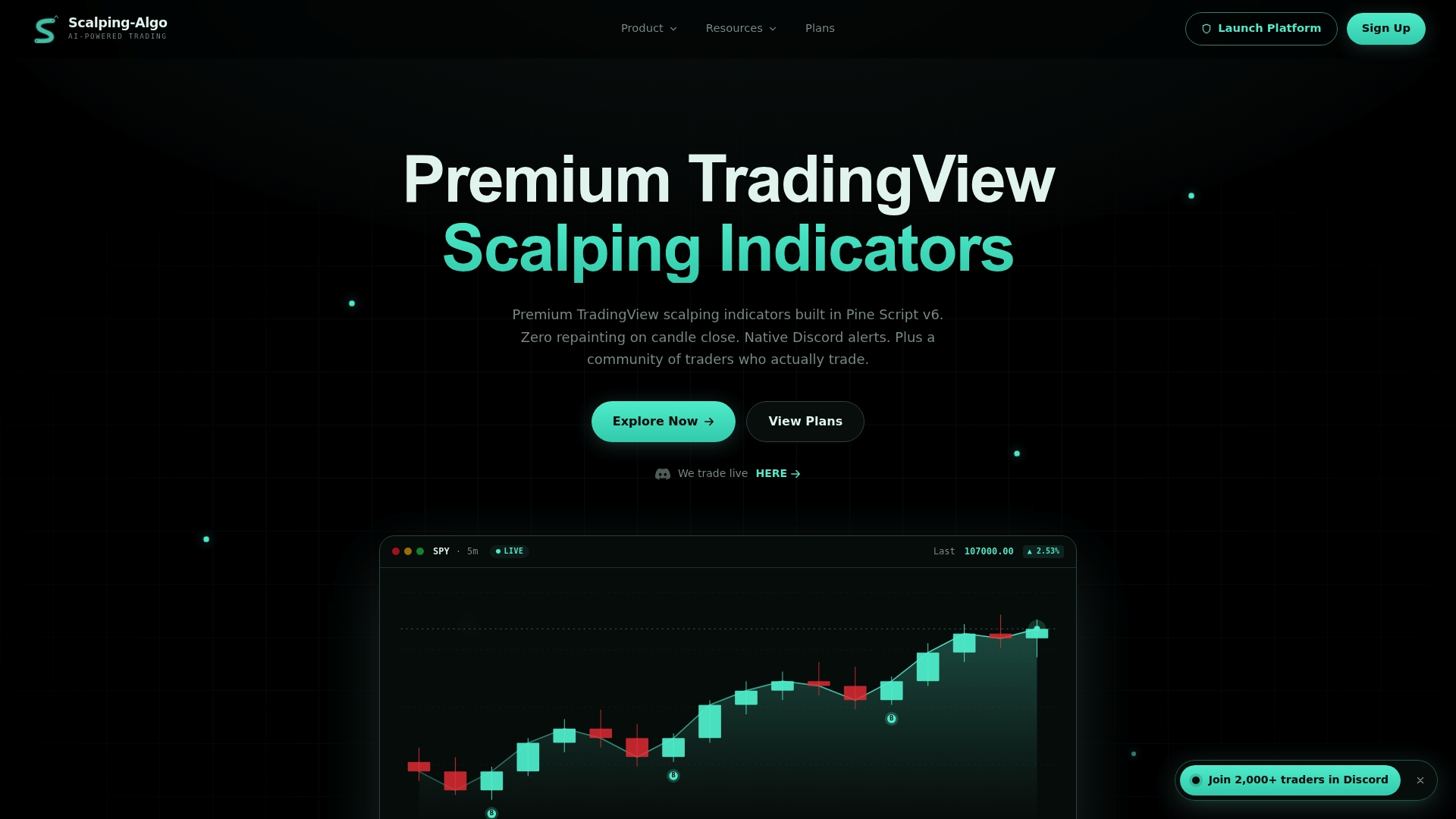
- Real-time, non-repainting signals from the Premium TradingView Indicators suite, tuned for 1m to 15m scalping.
- Native Discord webhook alerts, already handling the routing and rate-limit logic covered above.
- A backtesting dashboard built to verify signal logic before you trust it live.
- Open-source Pine Script v6 scripts across Smart Scalping Signals, Edge Finder, and Momentum Oscillator.
Key documentation and implementation resources
- TradingView webhook configuration: the official source for port, HTTPS, and 2FA requirements.
- TradingView strategy alerts: confirms the 15-alerts-per-3-minutes ceiling and how server-side alert copies behave.
- Webhook Relay's TradingView integration guide: a practical pattern for fan-out without hitting the timeout.
- Discord webhook resource docs: rate limits and payload structure for Discord delivery.
Sources
TradingView will likely be your primary signal source, but a dashboard built only for one input breaks the moment you add a second one. Economic calendar feeds, on-chain data alerts for crypto, broker-side execution confirmations, and even other charting platforms all speak different payload formats and fire on different schedules.
The fix is a normalization layer sitting between ingestion and display. Every incoming alert, regardless of source, gets mapped into a common internal format: source, ticker, timestamp, signal type, and raw payload. That way your routing logic, your backtest storage, and your trade-management UI only ever deal with one shape of data, not five.
This matters most when you are reconciling a TradingView entry signal against a broker fill confirmation that arrives through a completely different webhook. Without normalization, you end up writing separate comparison logic for every pair of sources, which gets unmanageable fast once you add a third or fourth feed.
If you are looking for additional premarket signal flow to feed into the same dashboard, services like Morning Options focus on daily trade ideas and scanner output that can sit alongside your TradingView alerts in the same ingestion pipeline.
- Strategy Alerts — TradingView
- How to configure webhook alerts — TradingView
- TradingView Webhooks to Discord, Slack or an API — Webhook Relay
- Webhook resource — Discord developer docs
FAQ
How many alerts can TradingView send before it stops?
TradingView stops an alert once it fires more than 15 times within any 3-minute window, and this cap applies globally across your account with no option to raise it. Design your alert conditions to stay well under that threshold during volatile sessions.
Why do my webhook alerts fail to deliver sometimes?
Delivery usually fails because the destination took too long to respond. TradingView cancels webhook requests that exceed its short response window, so any heavy processing needs to happen asynchronously after acknowledgment, not before it.
What is the difference between indicator alerts and strategy alerts for backtesting?
Indicator alertcondition events notify you the instant a condition is met, but strategy order-fill alerts reflect simulated entries and exits more accurately for backtest purposes. Use order-fill alerts when you need your backtest numbers to match what a live execution would have done.
Do I need two-factor authentication for TradingView webhooks?
Yes, TradingView requires two-factor authentication enabled on your account before webhook alerts will function, along with HTTPS on port 80 or 443.
Can I automate trade execution directly from TradingView alerts?
Not directly. Pine Script strategies cannot place exchange orders themselves, so you need an external system to interpret the webhook alert and send the order to your broker or exchange.